
Your Mac clipboard.
Ready to use again.
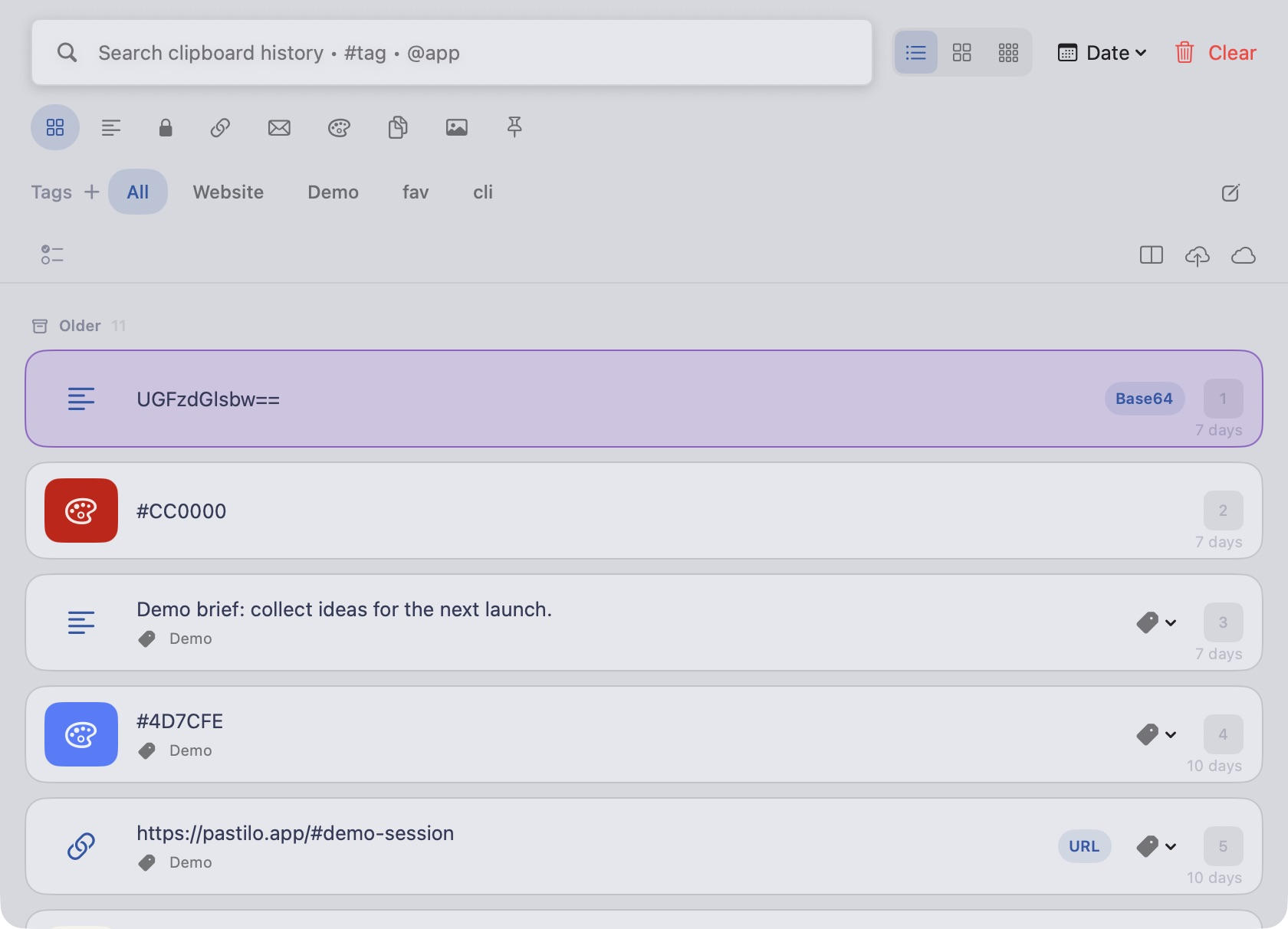
Pastilo is a clipboard manager for Mac. Find copied text, links, images and files, then paste them where you need them.
macOS 14+ No Pastilo account required
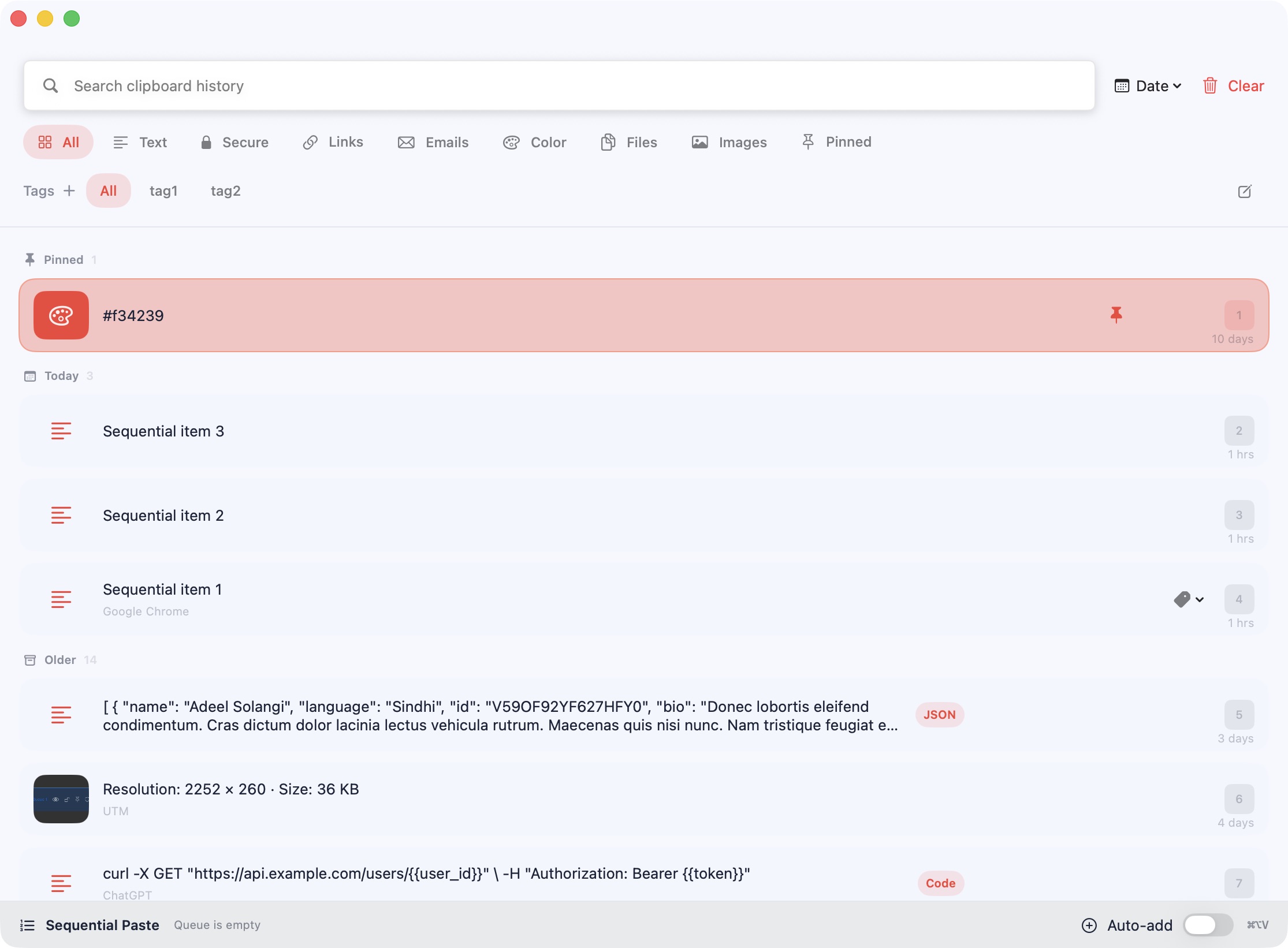
More focus for your work.
Less time hunting for what you copied.
Everything you copy, ready when you need it.
See Pastilo in 21 seconds.
From the copy you lost to the queue you paste in order.
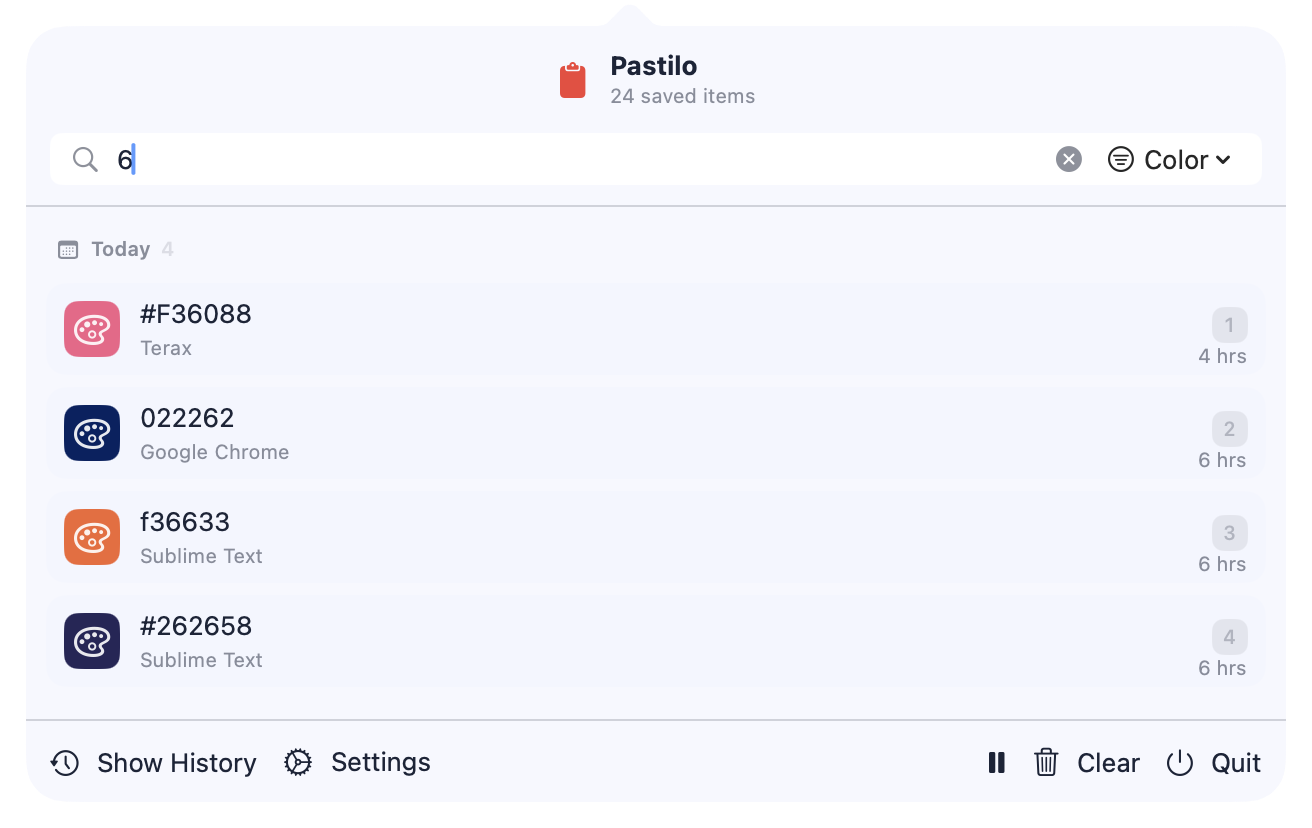
Find it. Choose it. Keep moving.
Use ⌘ Shift V as your global shortcut or ⌘ ⌥ M as your menu bar shortcut. Search immediately, choose an item with 1–9 and paste it where you are.
-
1
Open
⌘ Shift V
-
2
Find
Type a few characters
-
3
Paste
Choose with 1–9
Keep your history ready for the task.
Pin the snippets you reuse, switch between lists and tiles and collect related copies under one project tag.
- Choose your viewUse a list, large tiles or small tiles to browse text and images.
- Keep two views togetherGive a second history column its own layout and type or tag filters. Search stays shared.
- Tag as you copyChoose one autotag for new local copies. It stays on until you turn it off or quit Pastilo.
- Search by tag and sourceTry
#project @safari invoiceor combine several type and tag filters. - Recognize your saved linksEnable website thumbnails and open a saved link straight from its preview.
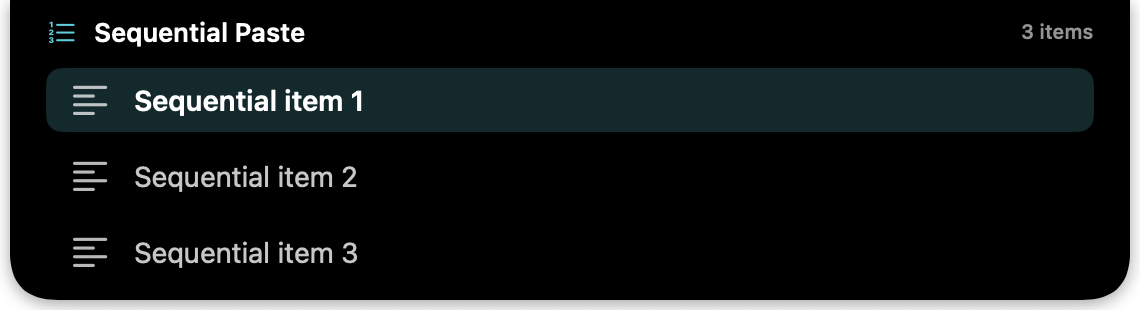
Preview the queue in the Notch. Line up multiple items, then paste them in order without leaving your flow.
Open history or use a direct shortcut
Paste straight from your keyboard.
In every edition, use ⌥ 1–9 for the first nine items without opening history. Automatic paste needs macOS Accessibility permission.
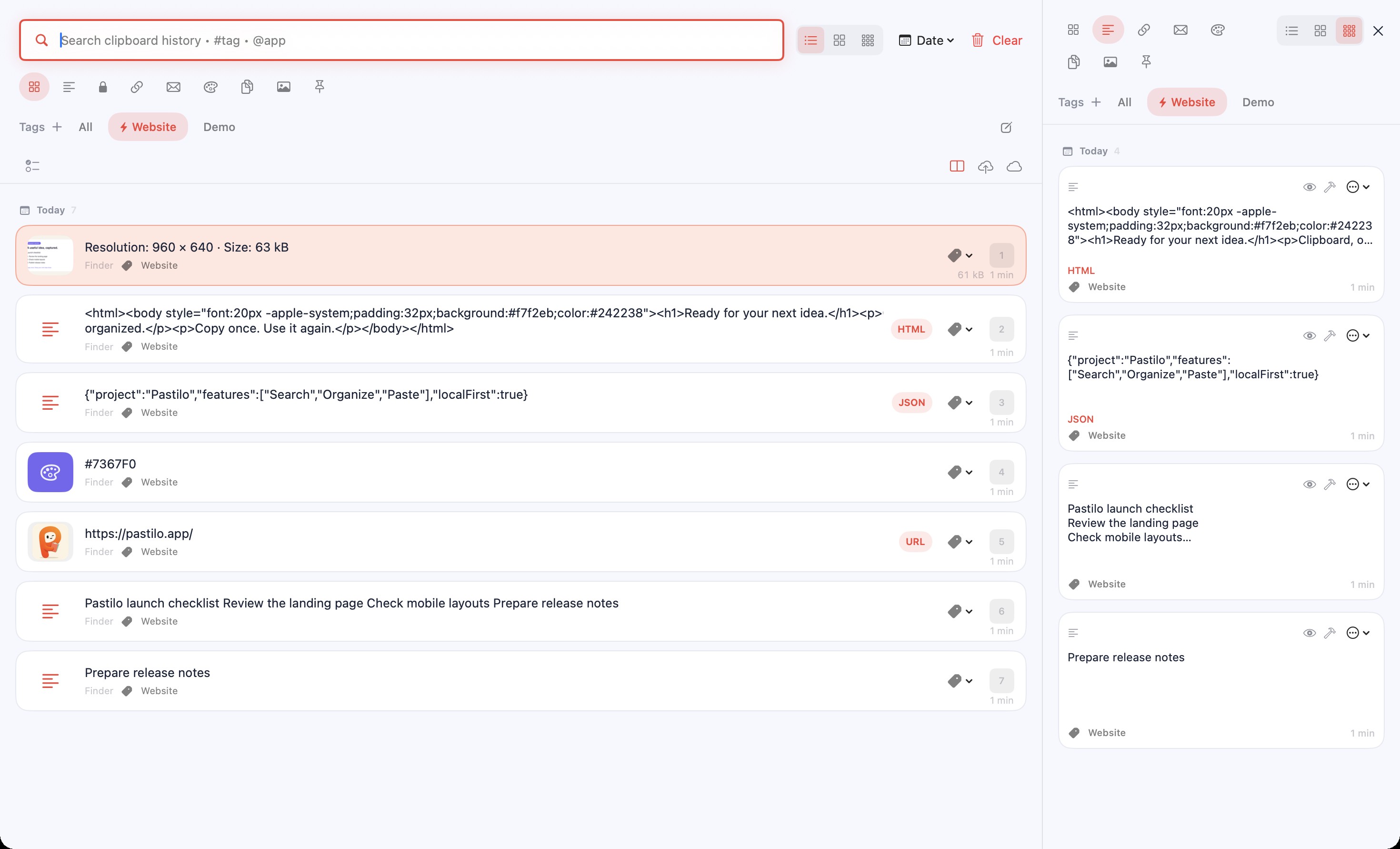
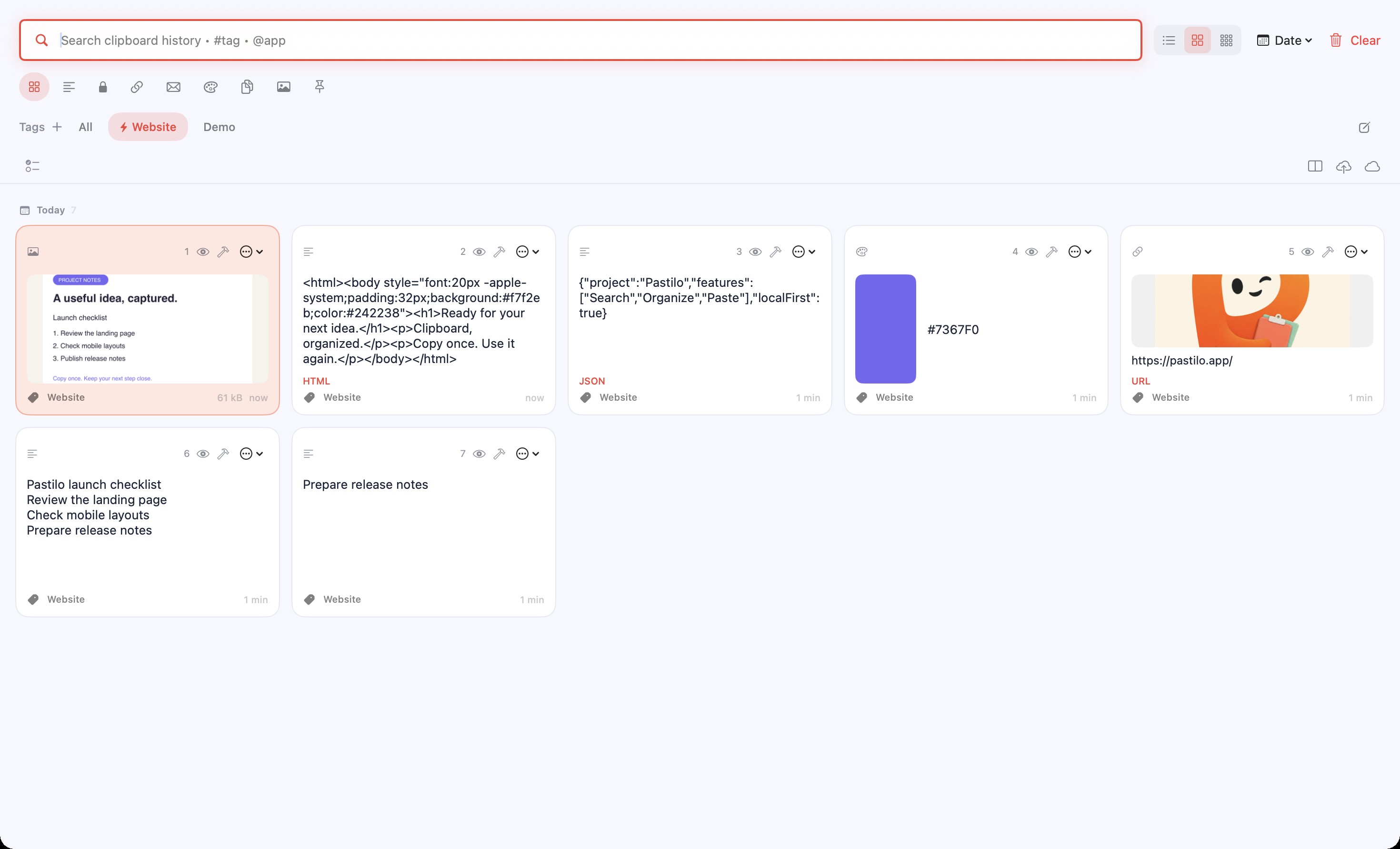
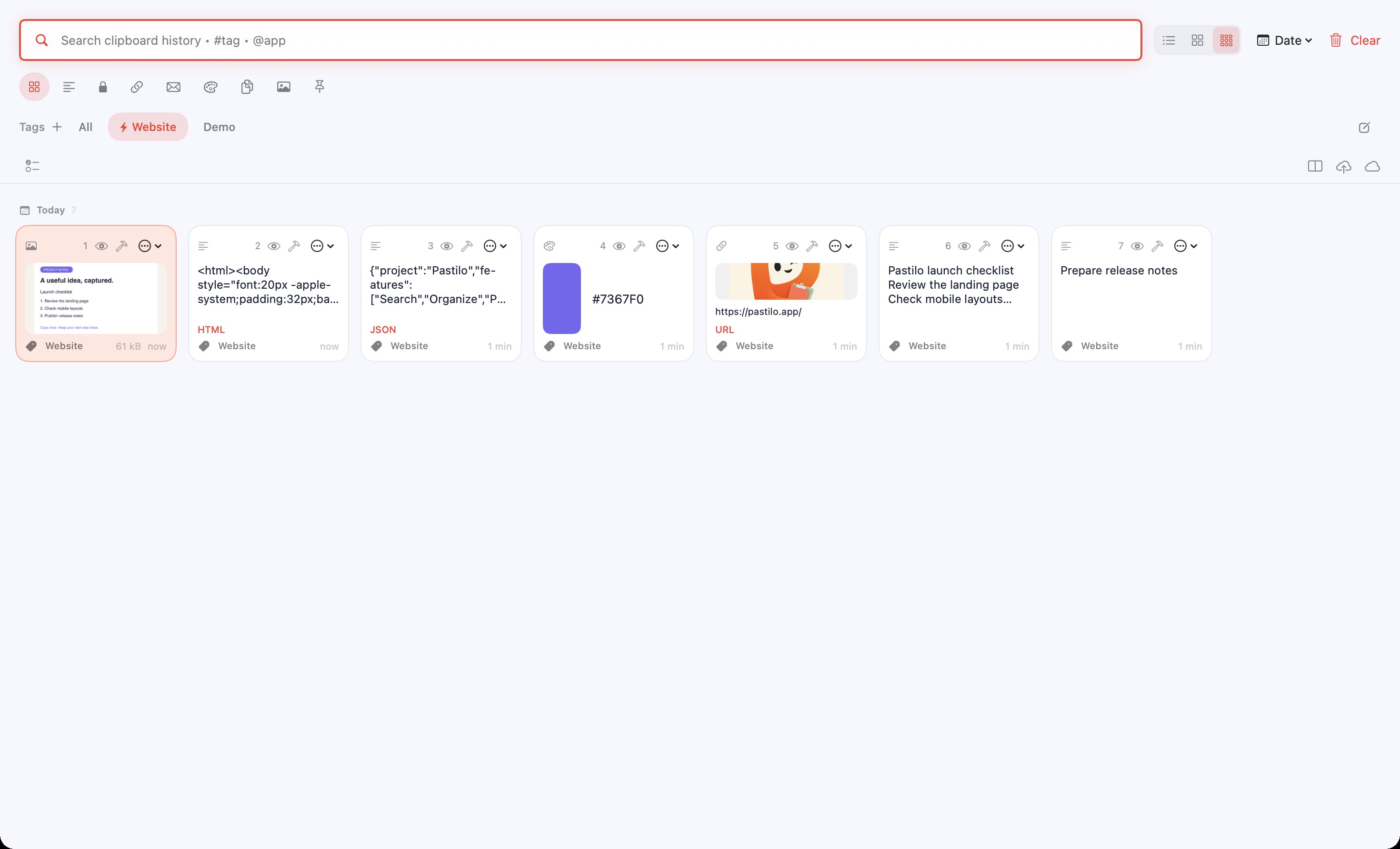
One project tag. Every new copy.
Choose a tag, turn on Autotag, then copy. New local items receive the tag automatically until you switch it off.
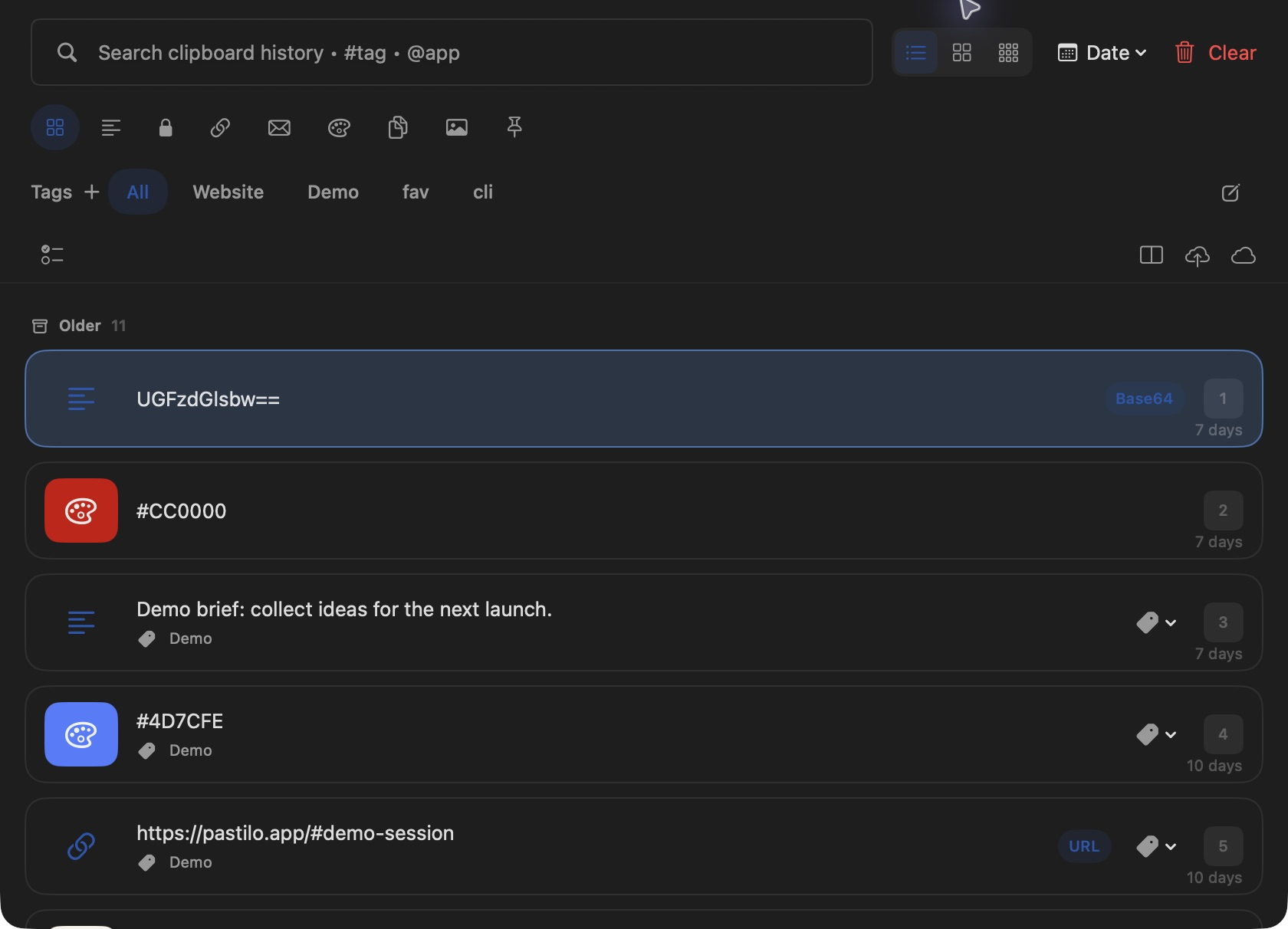
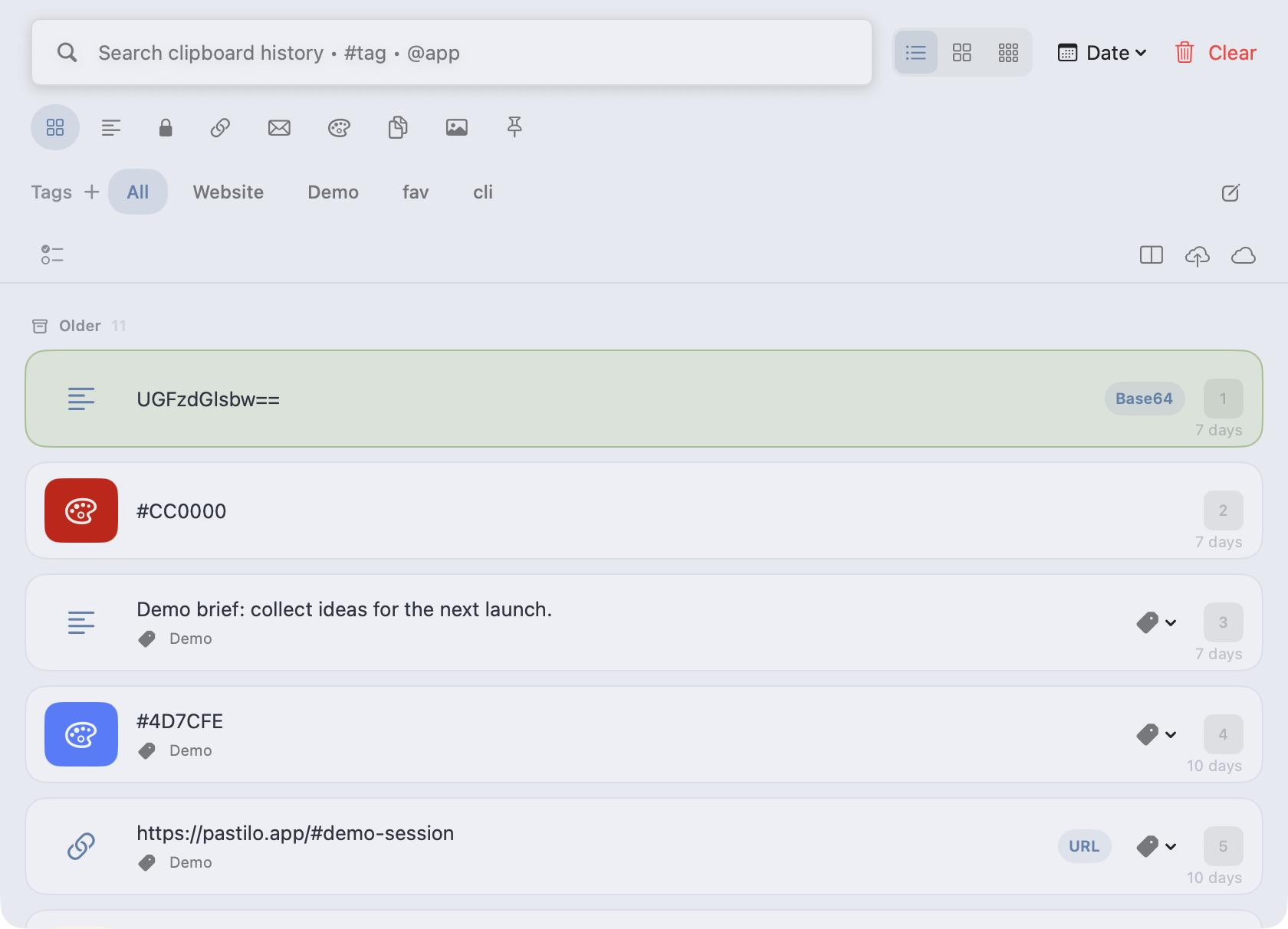
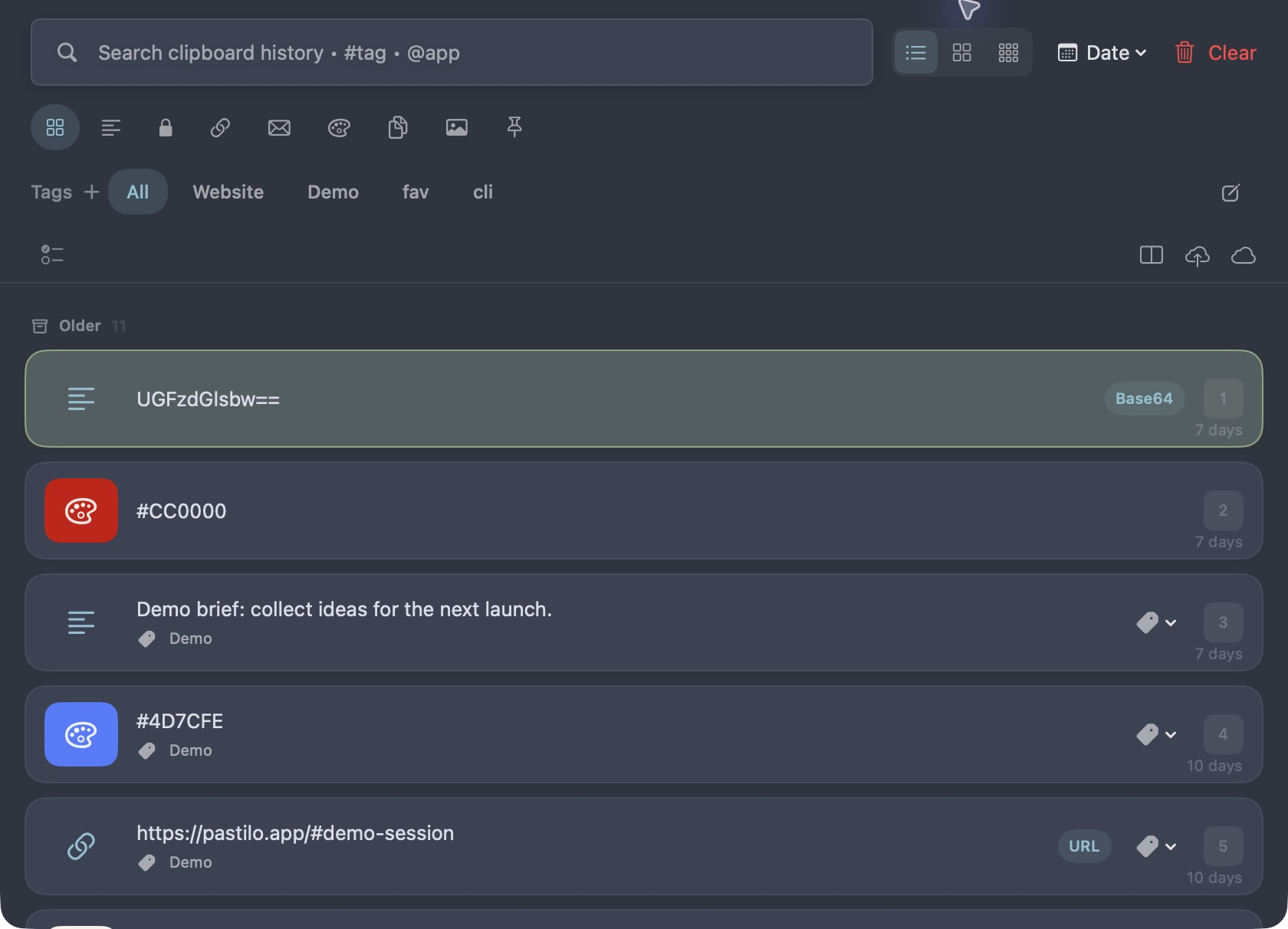
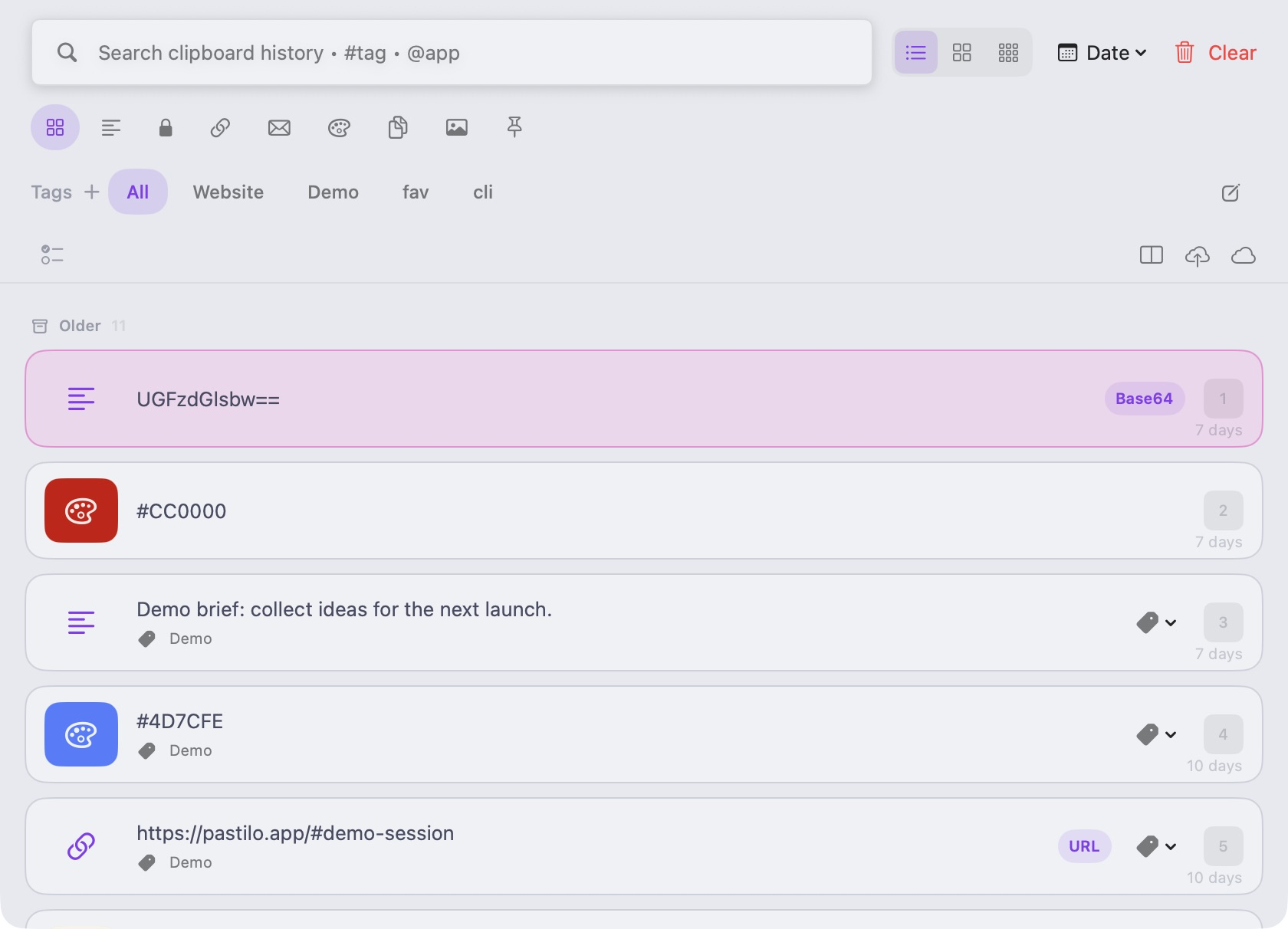
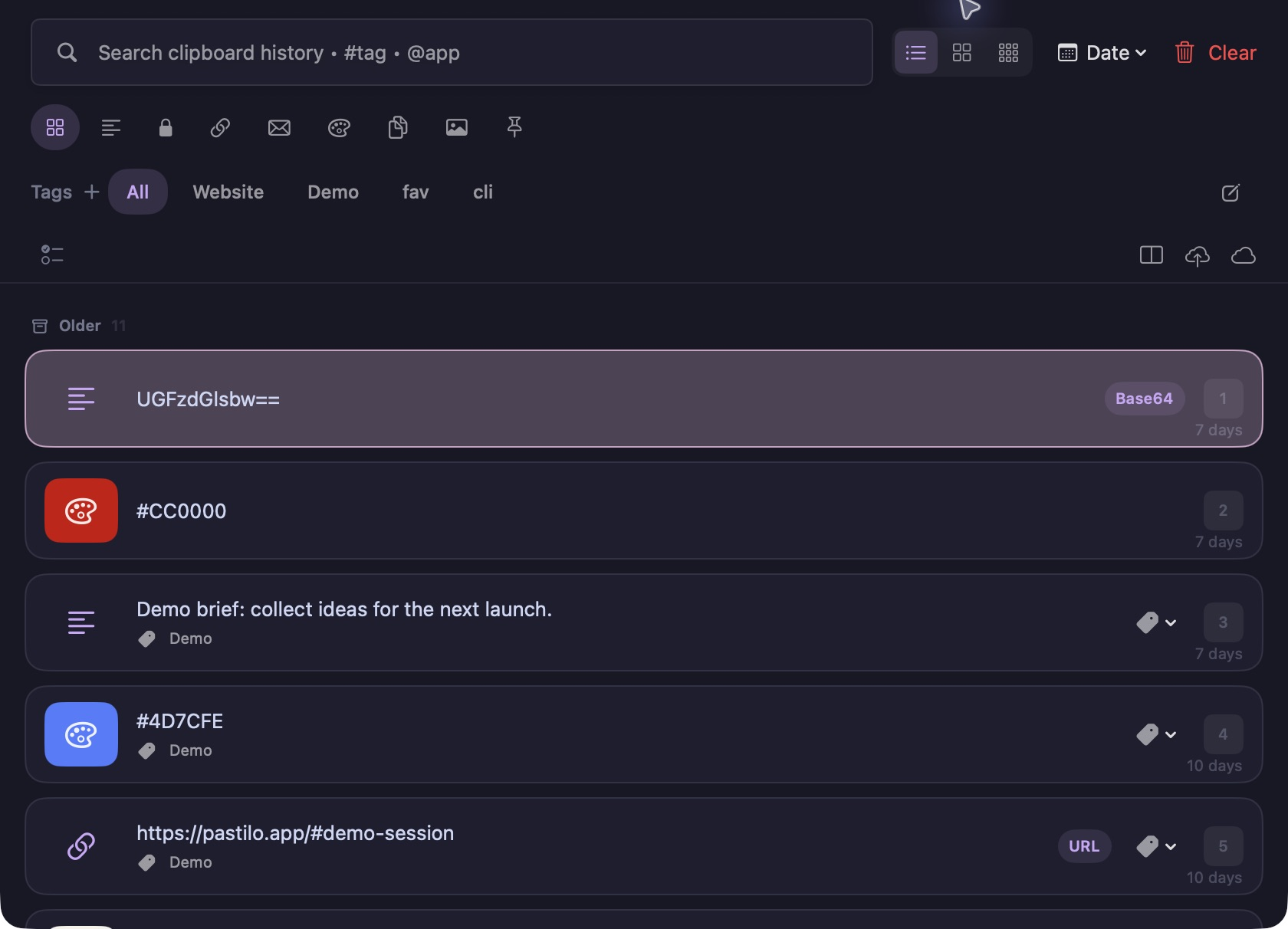
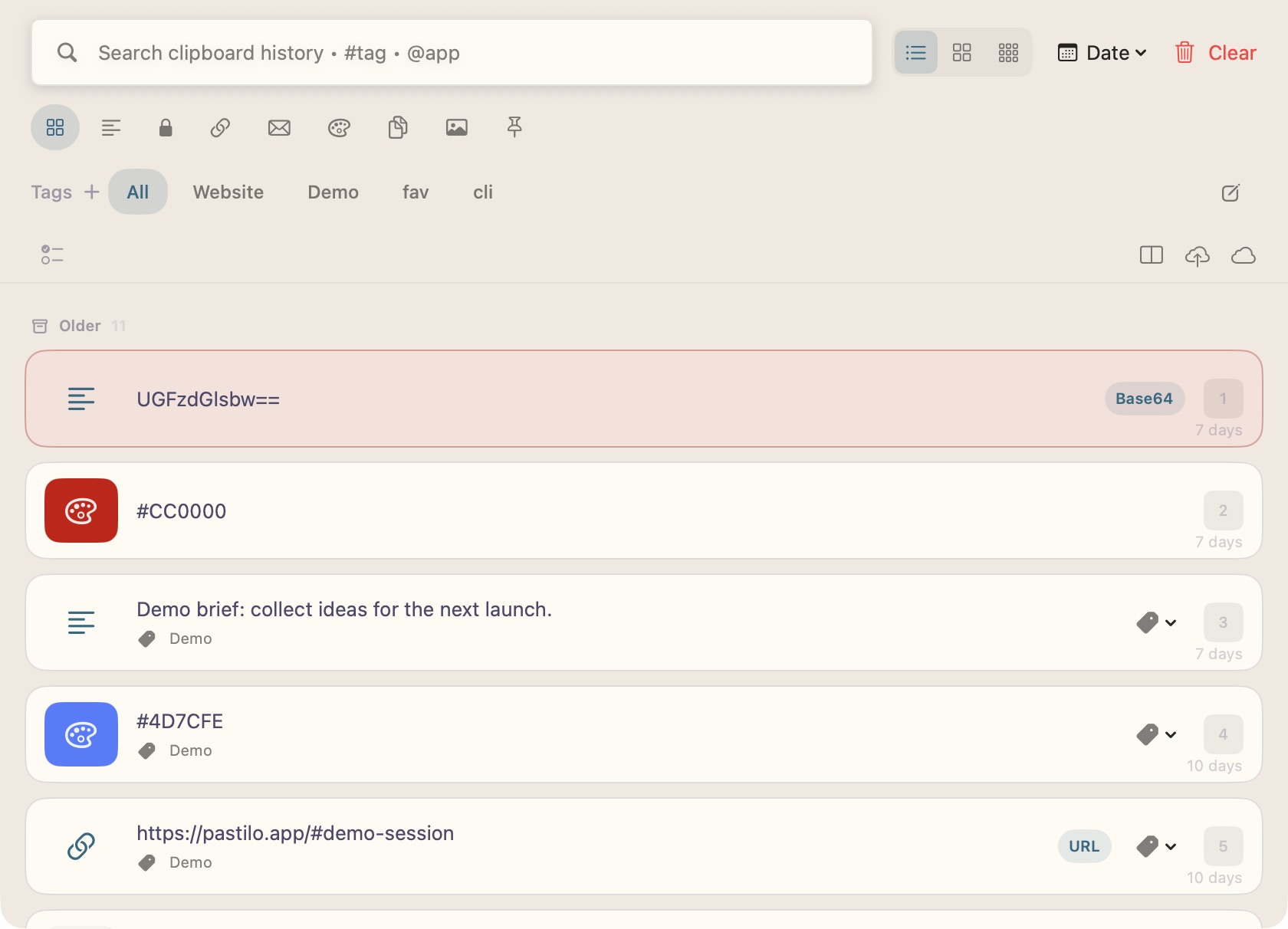
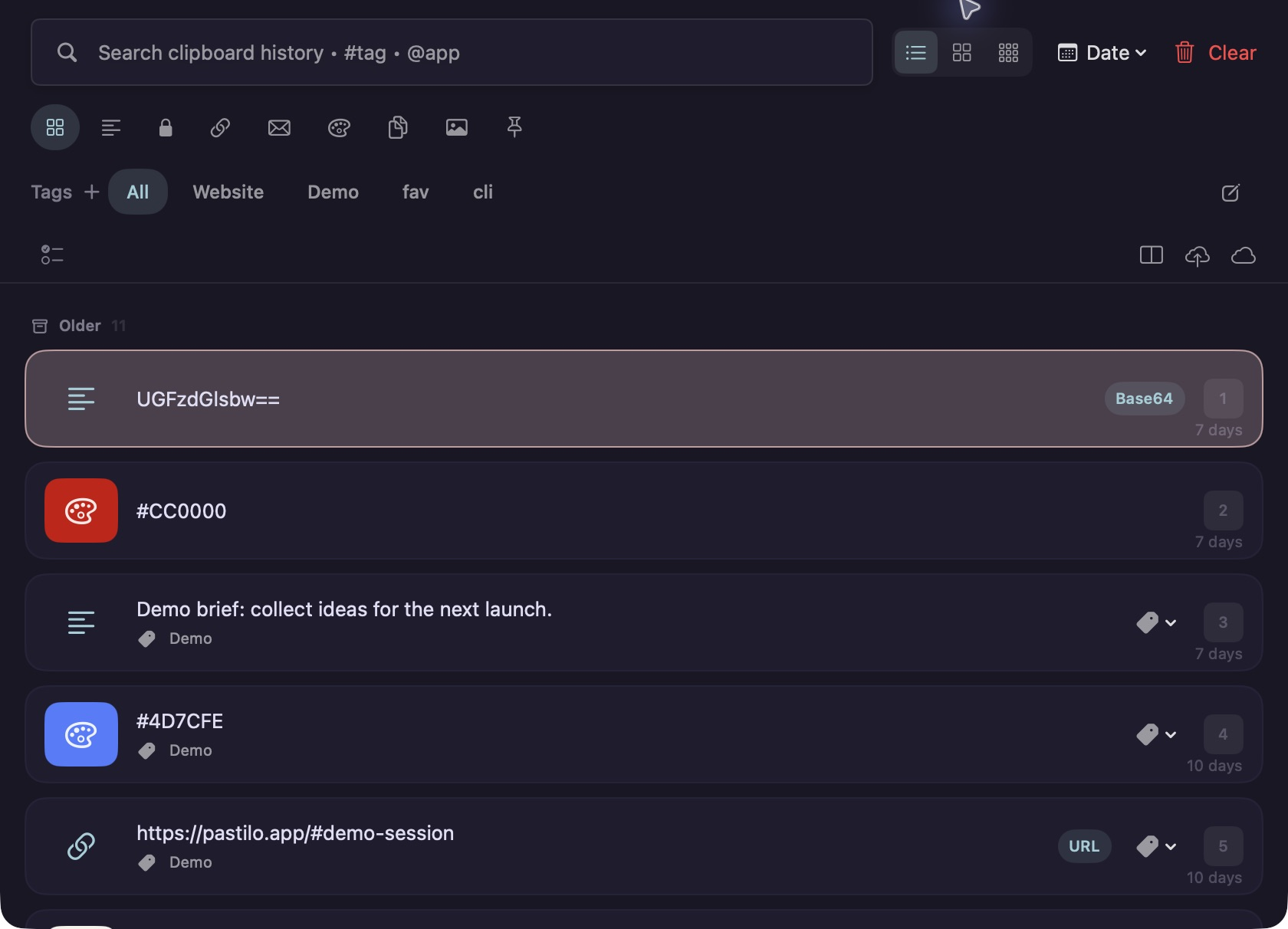
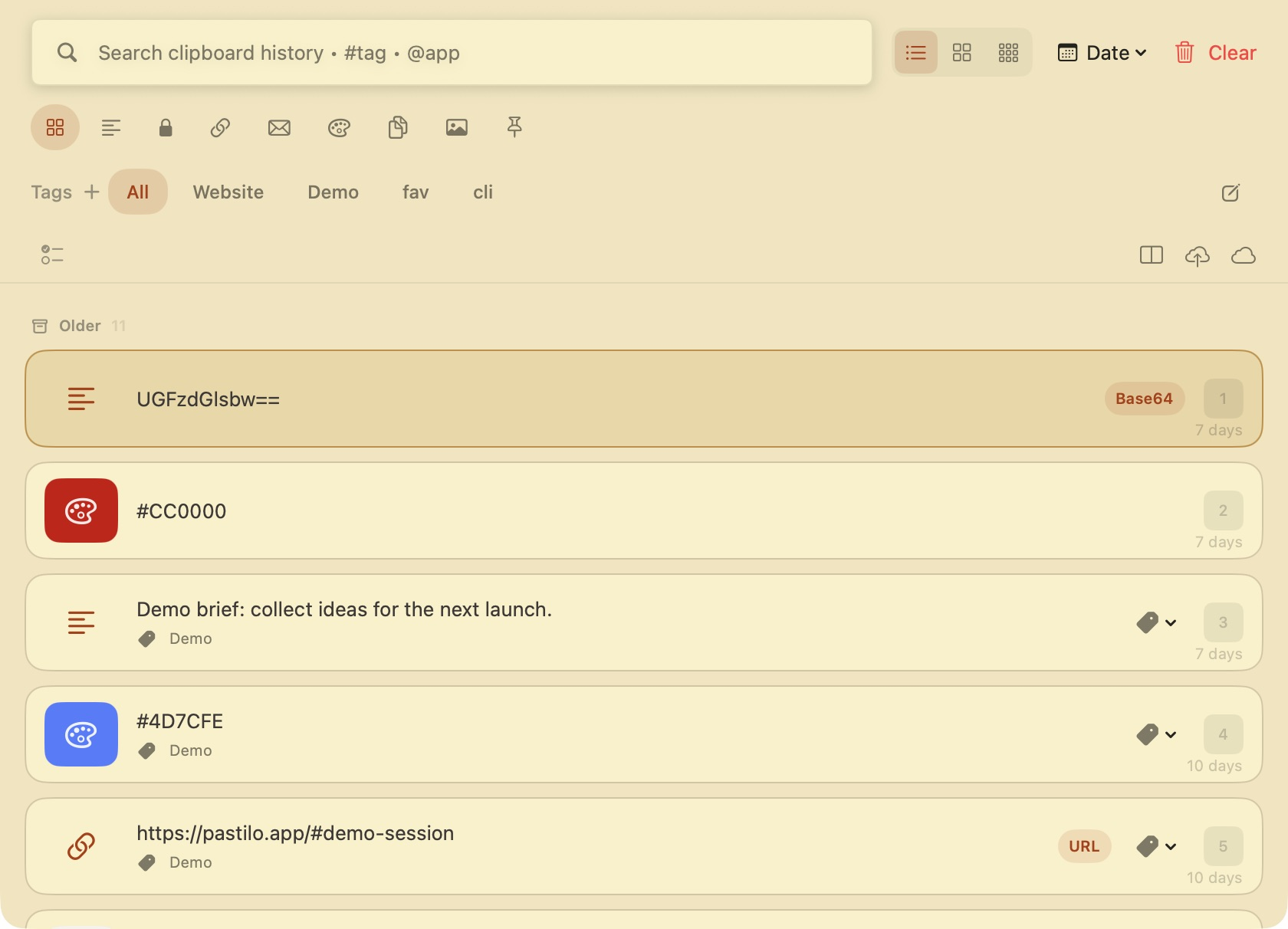
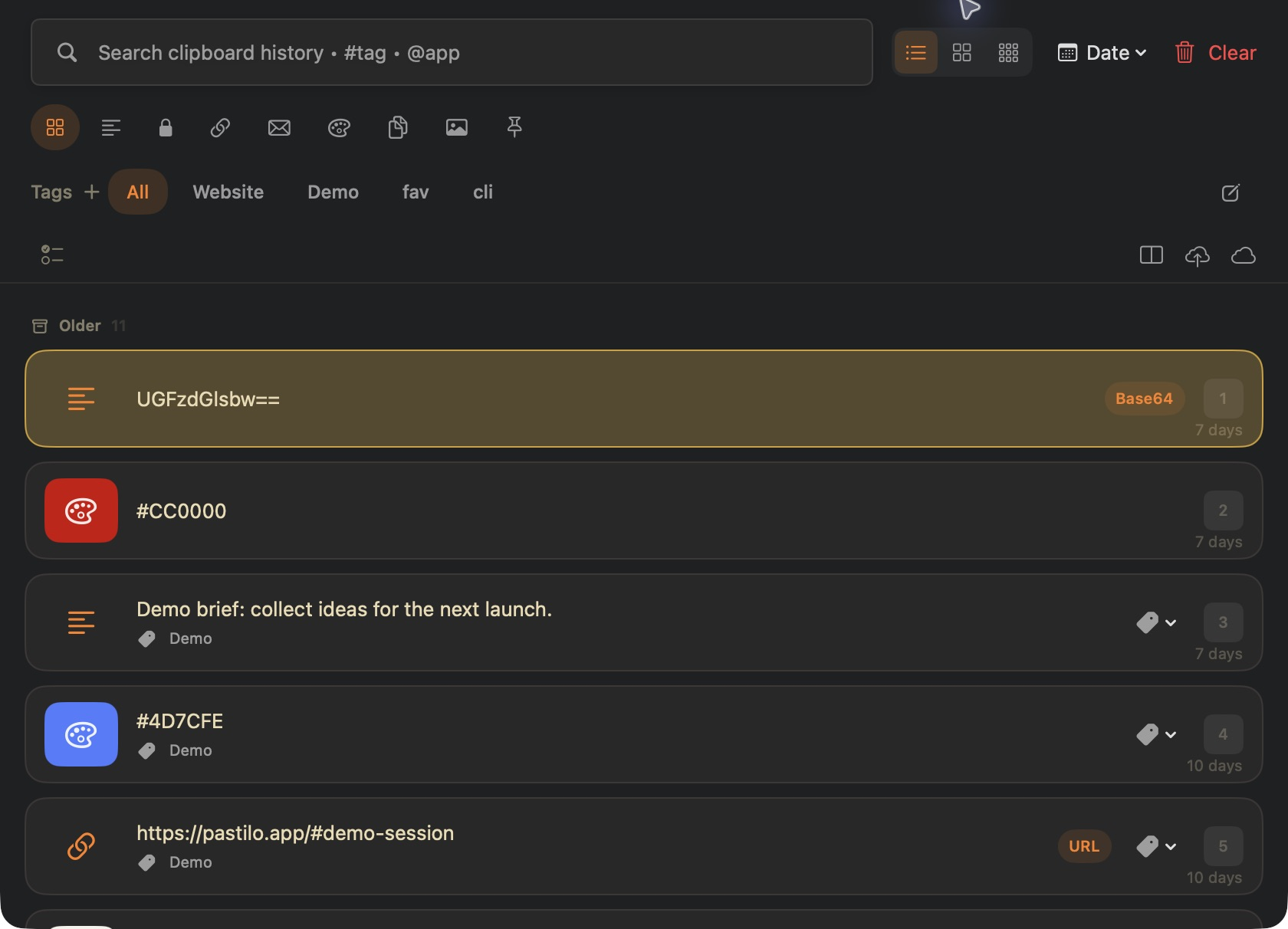
Themes that feel like your Mac.
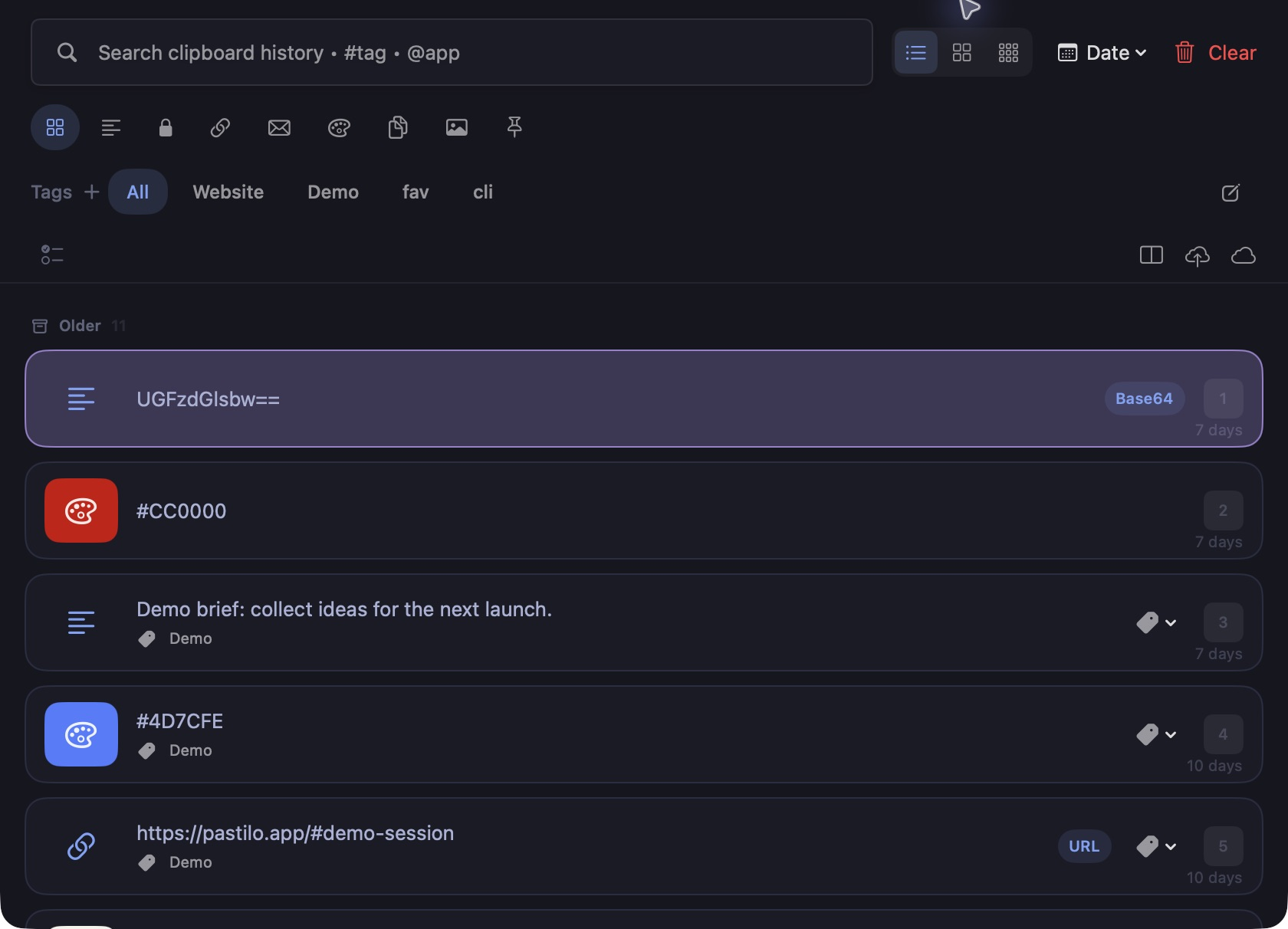
Choose from many ready-made themes in light and dark mode or create your own custom theme.
Explore themes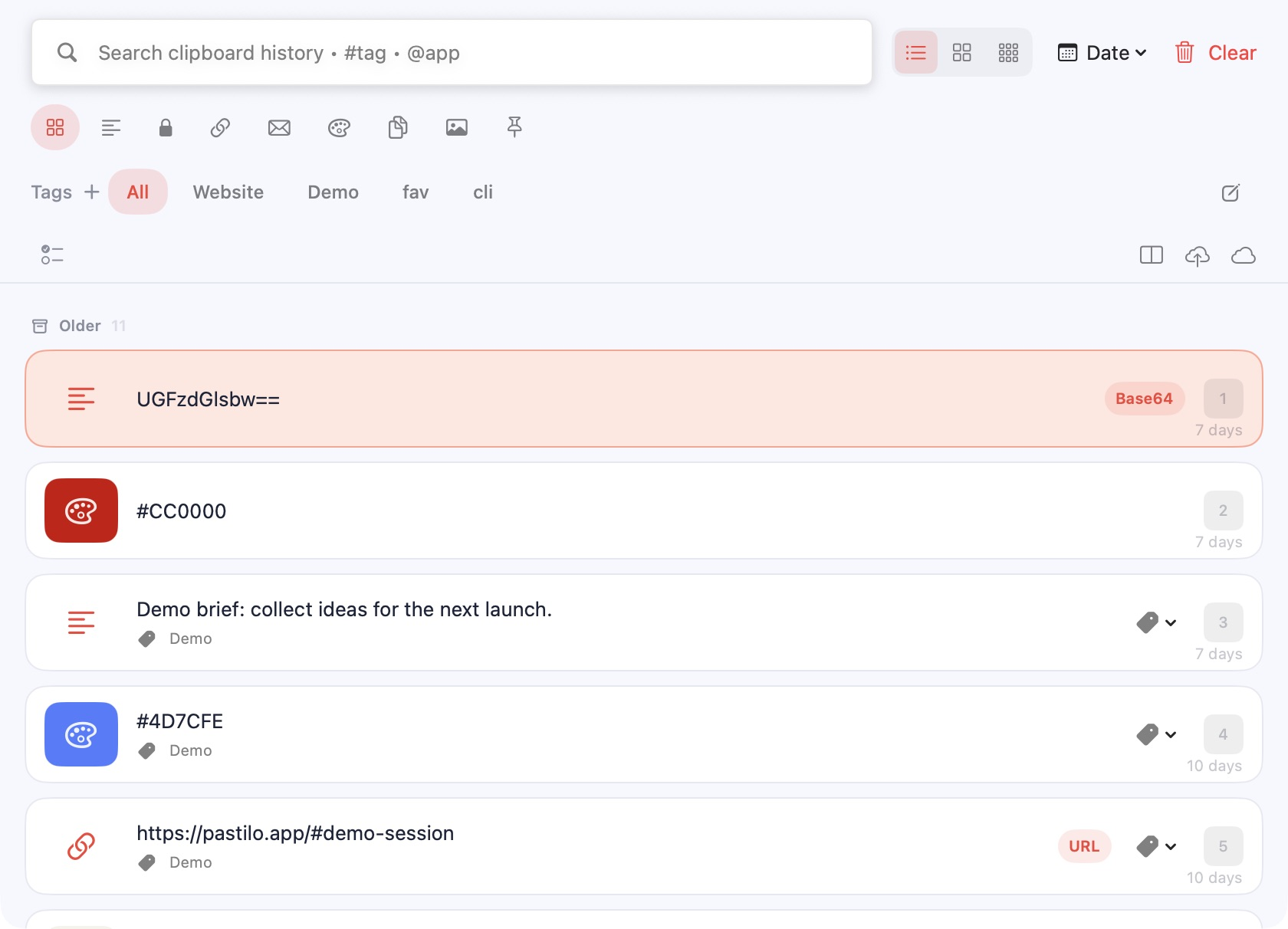
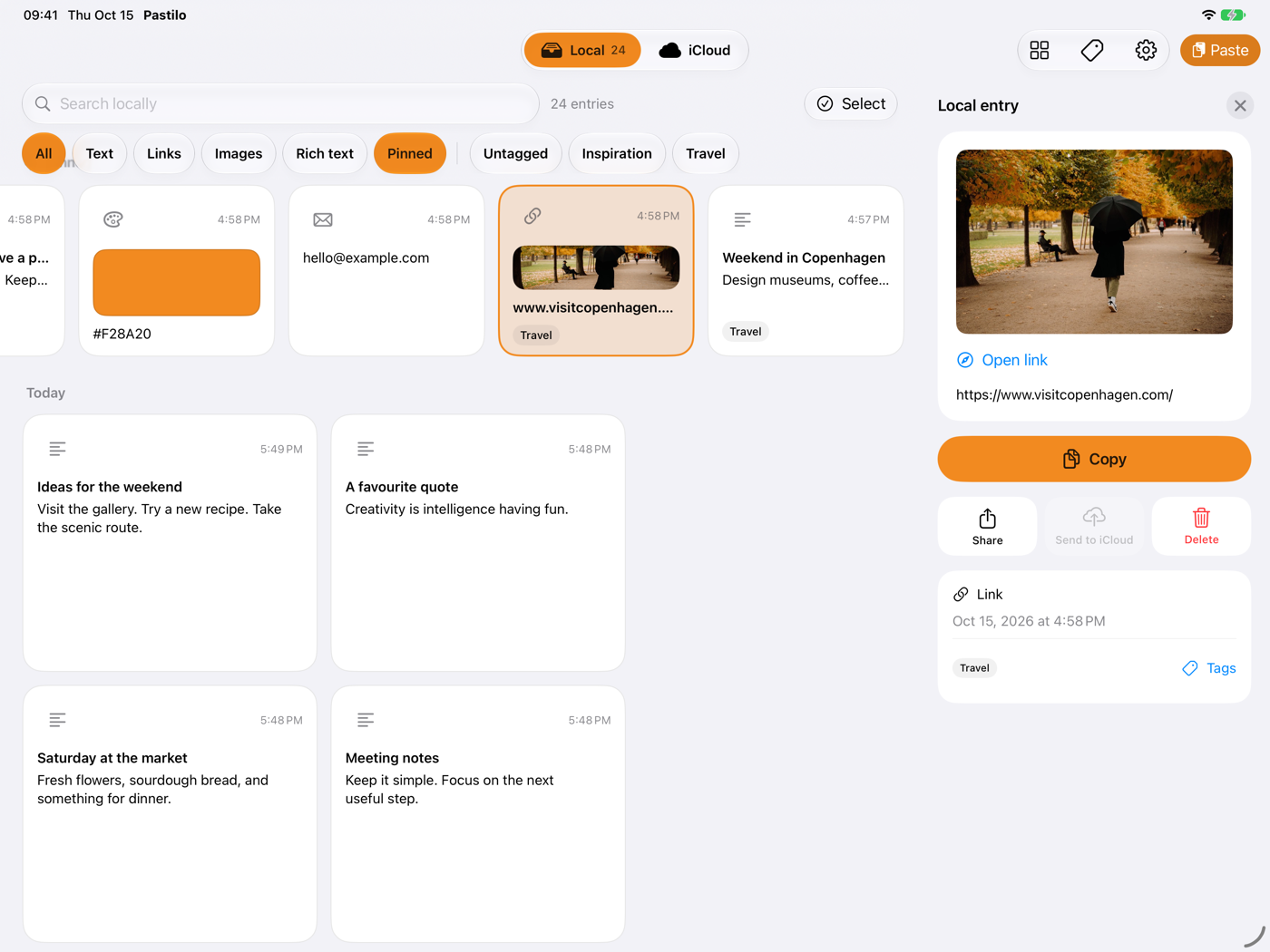
Your clipboard on iPhone and iPad, too.
Pastilo for iPhone and iPad is on its way. Save what you copy, find it again in seconds and connect it with your Mac through optional iCloud sync.
Coming soon to the App Store
- Save from any appShare text, links and images to Pastilo or add what is on the clipboard with one tap.
- Type from your historyThe Pastilo keyboard inserts saved text in any text field, without Full Access.
- Mac, iPhone and iPad togetherSend an entry from your Mac and use it on iPhone or iPad. It travels through your own iCloud account.
- You decide what syncsSending and receiving have their own switches and size limits. Local history stays separate by default.
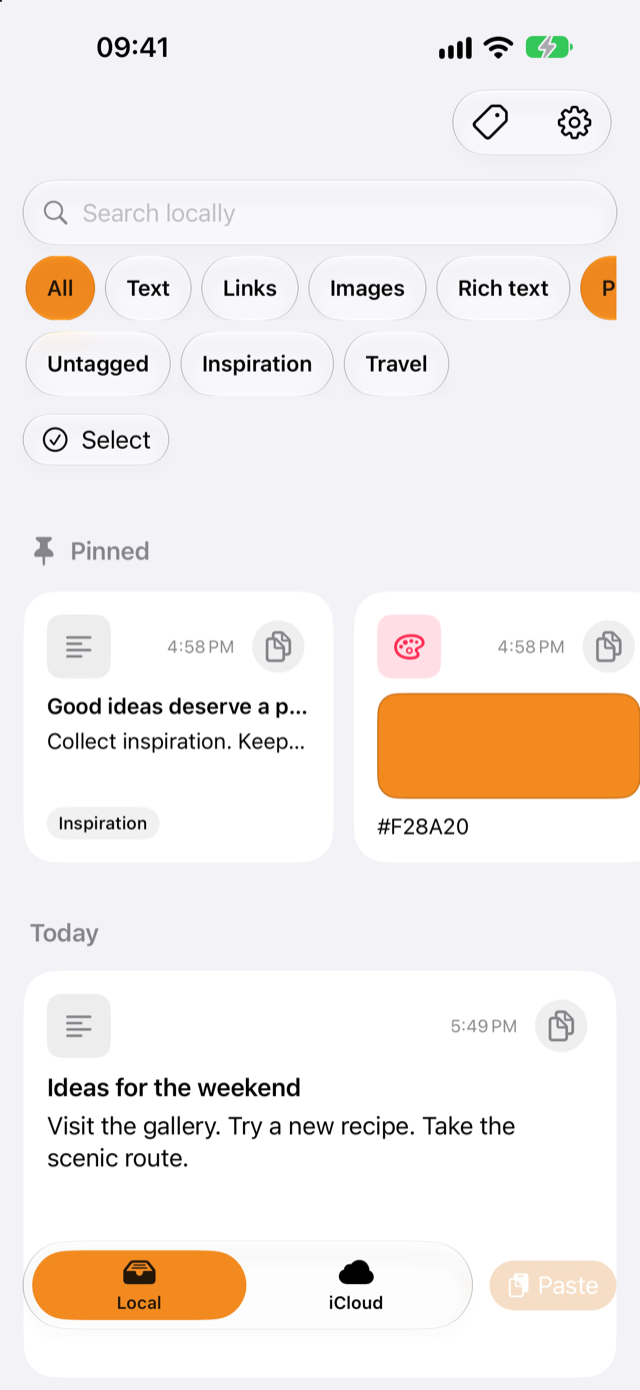
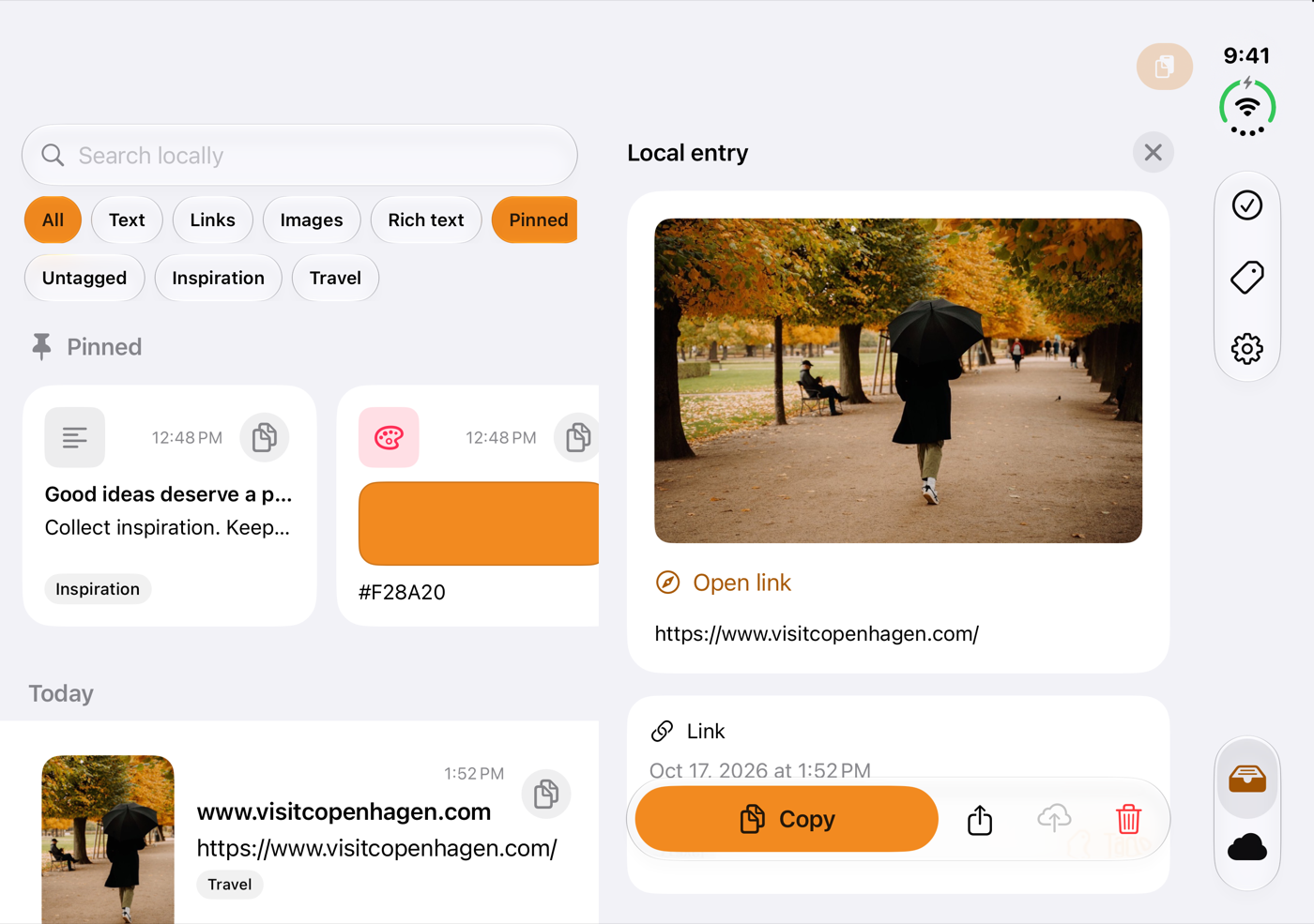
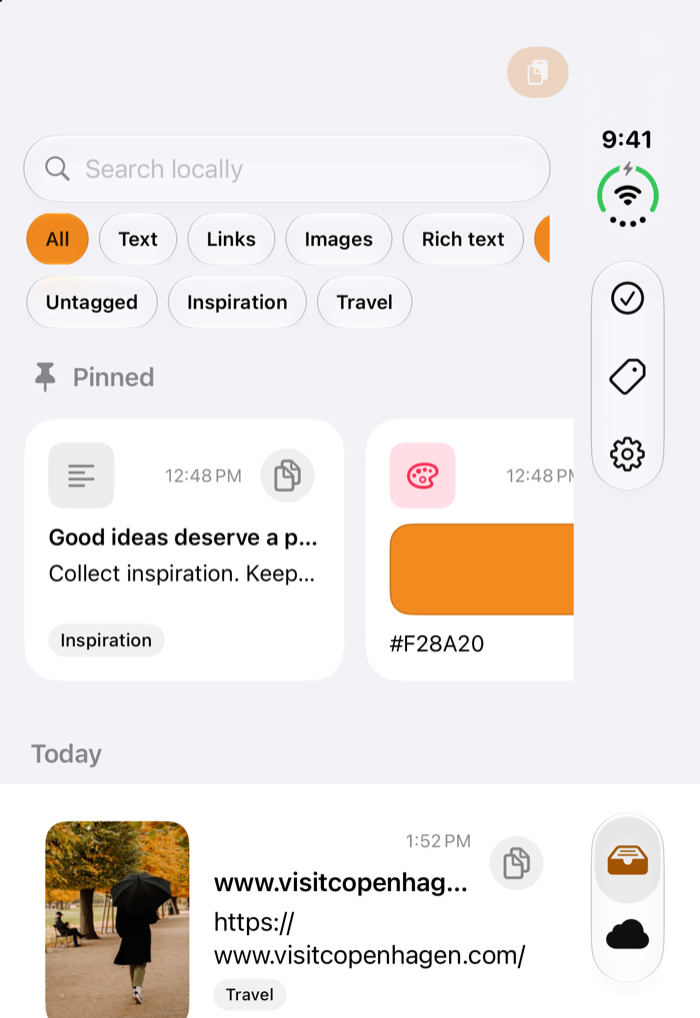
Ready for the new iPhone Duo.
Folded, it’s the iPhone app you already know. Unfolded, your history and the entry you picked sit side by side.
See Pastilo on iPhone DuoSmall details, calmer flow.
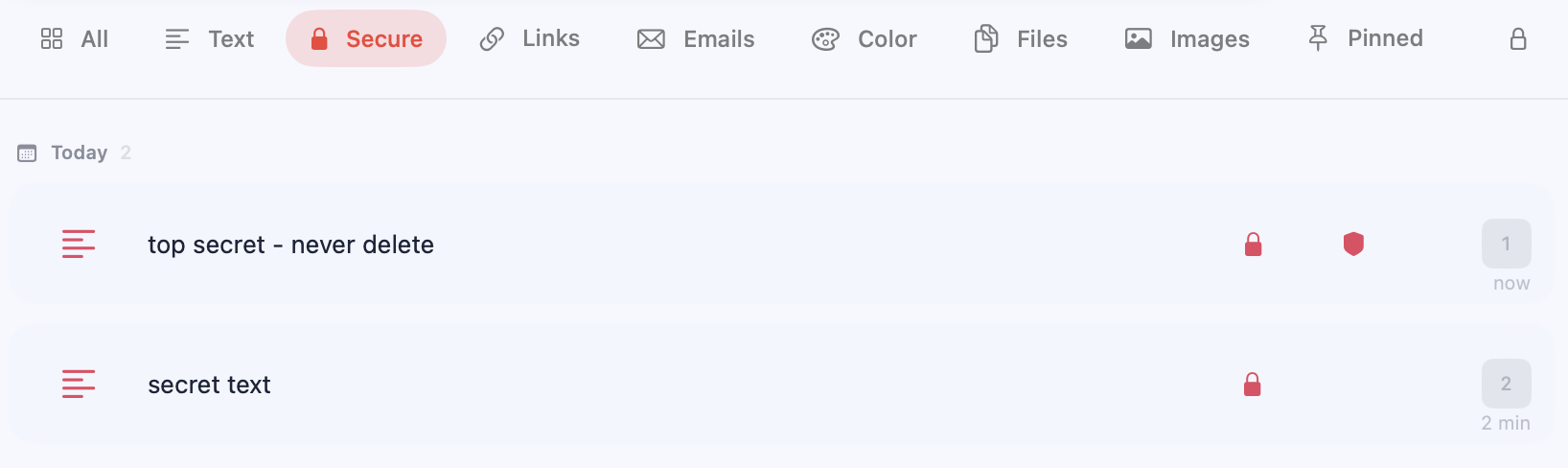
A clear start, room for notes and secure items protected by Touch ID, with an optional deletion lock.
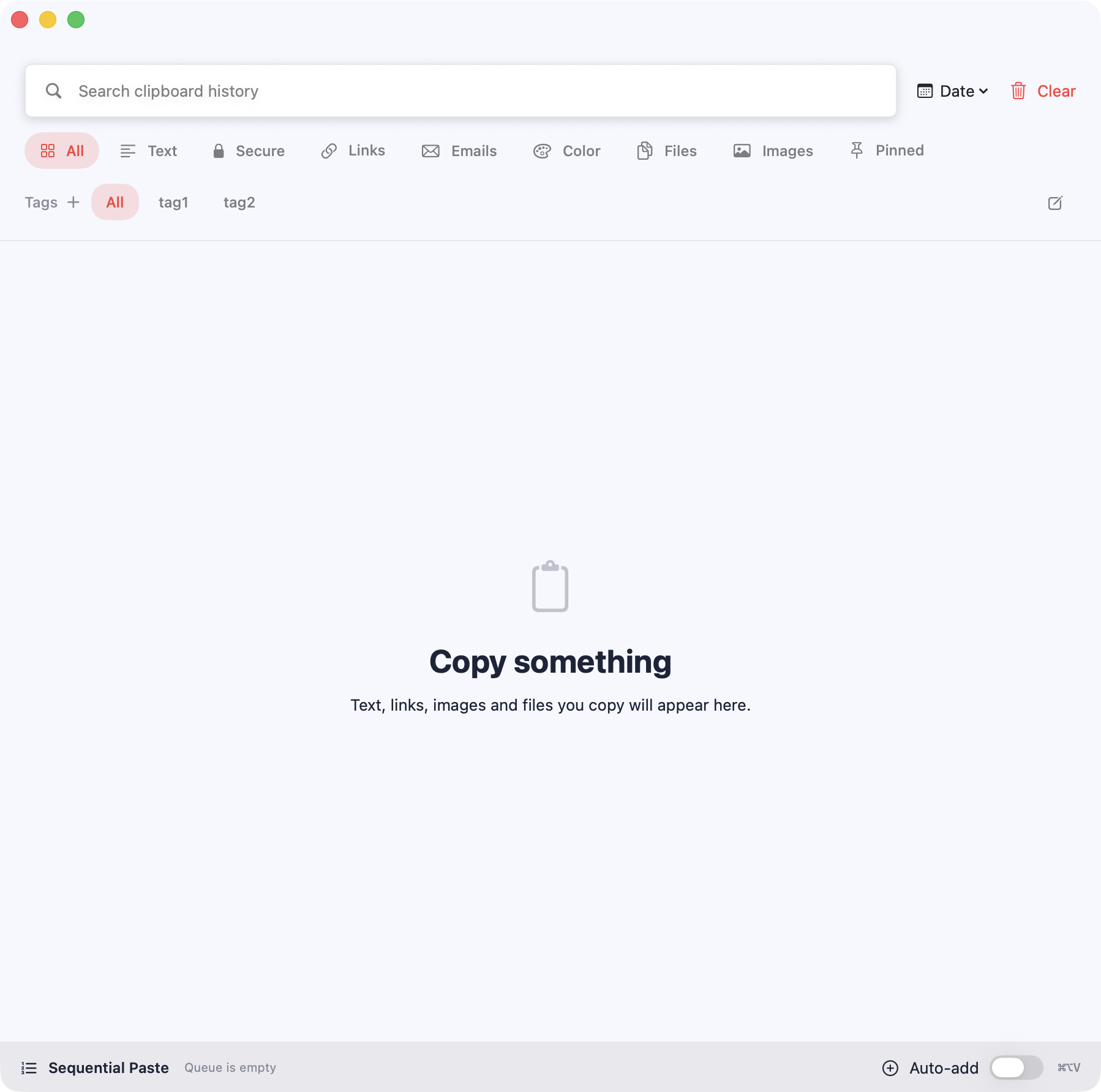
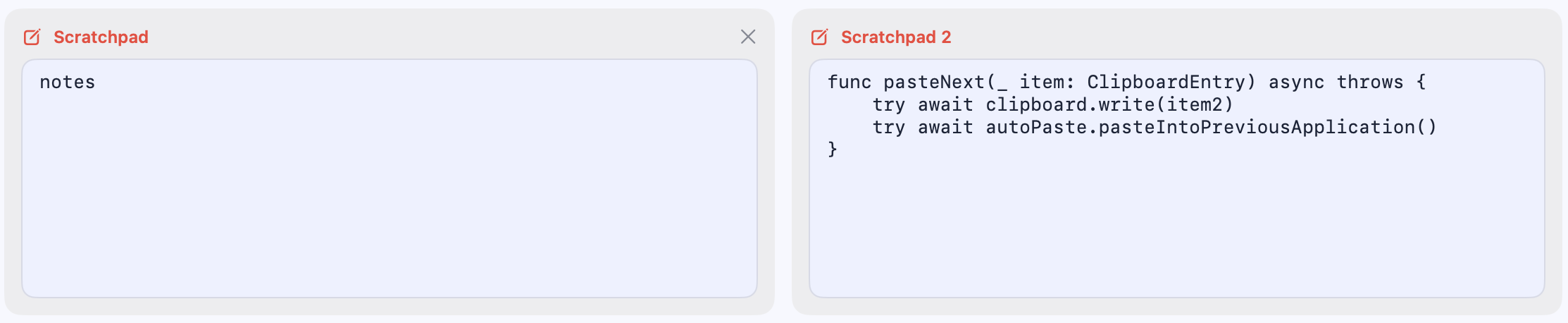
Your clipboard understands developer work.
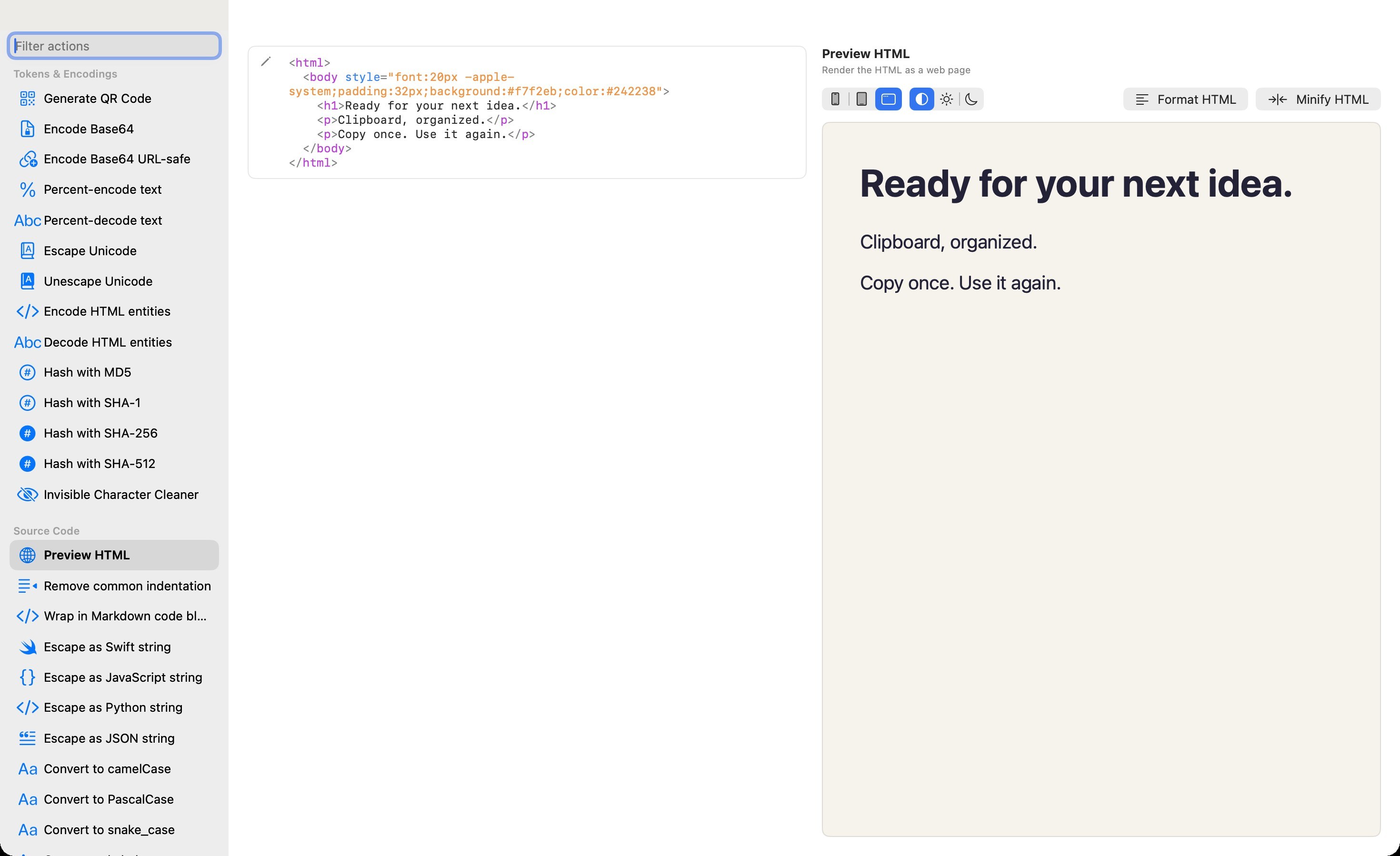
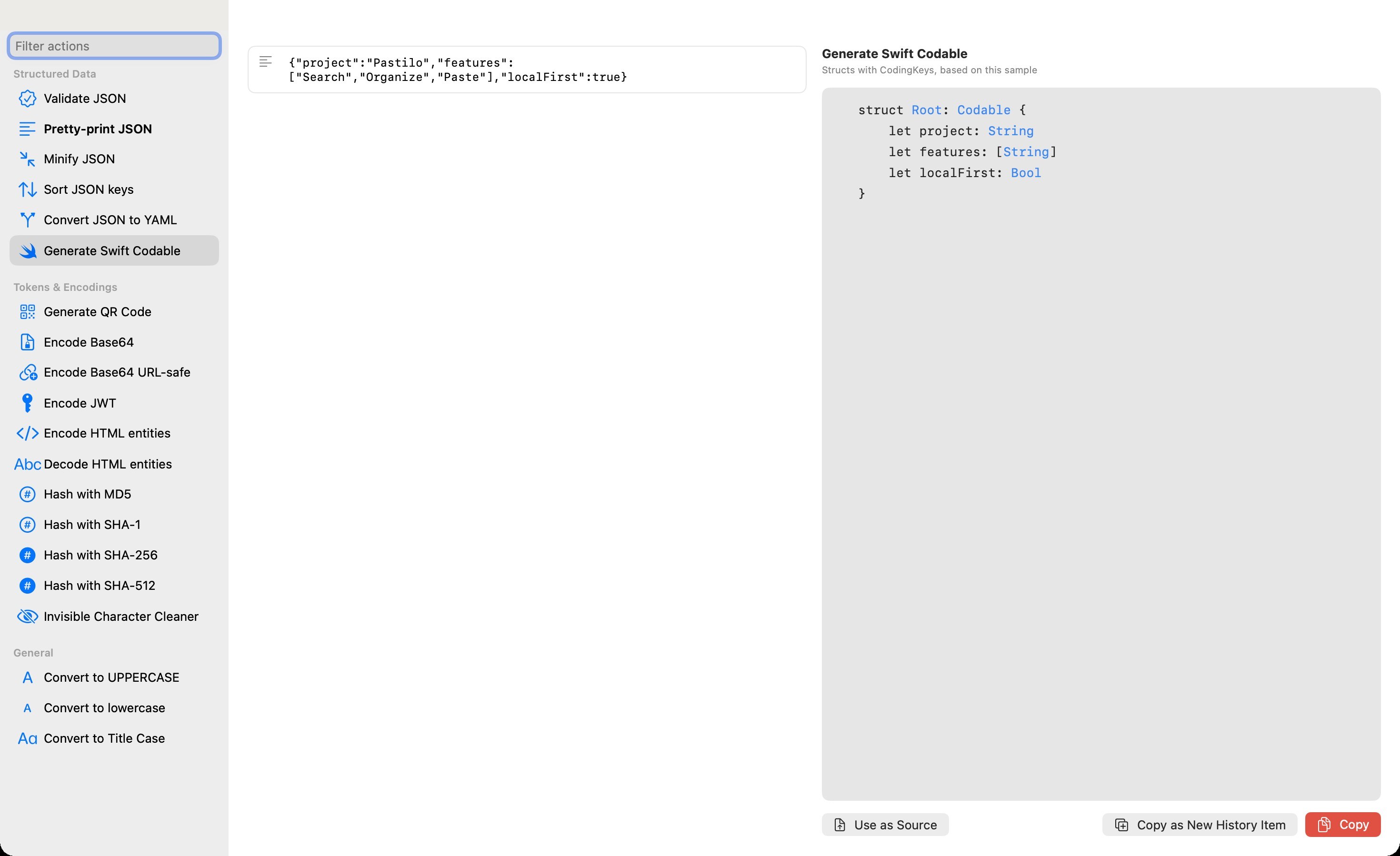
Extract text from an image, edit HTML with a live preview or turn copied data into code. Dev runs these tools locally in a dedicated window.
- Extract text with OCR
- Convert PNG, JPEG, HEIC or TIFF
- Edit HTML with a live preview
- Generate Swift Codable from JSON
- Clean text and edit arrays
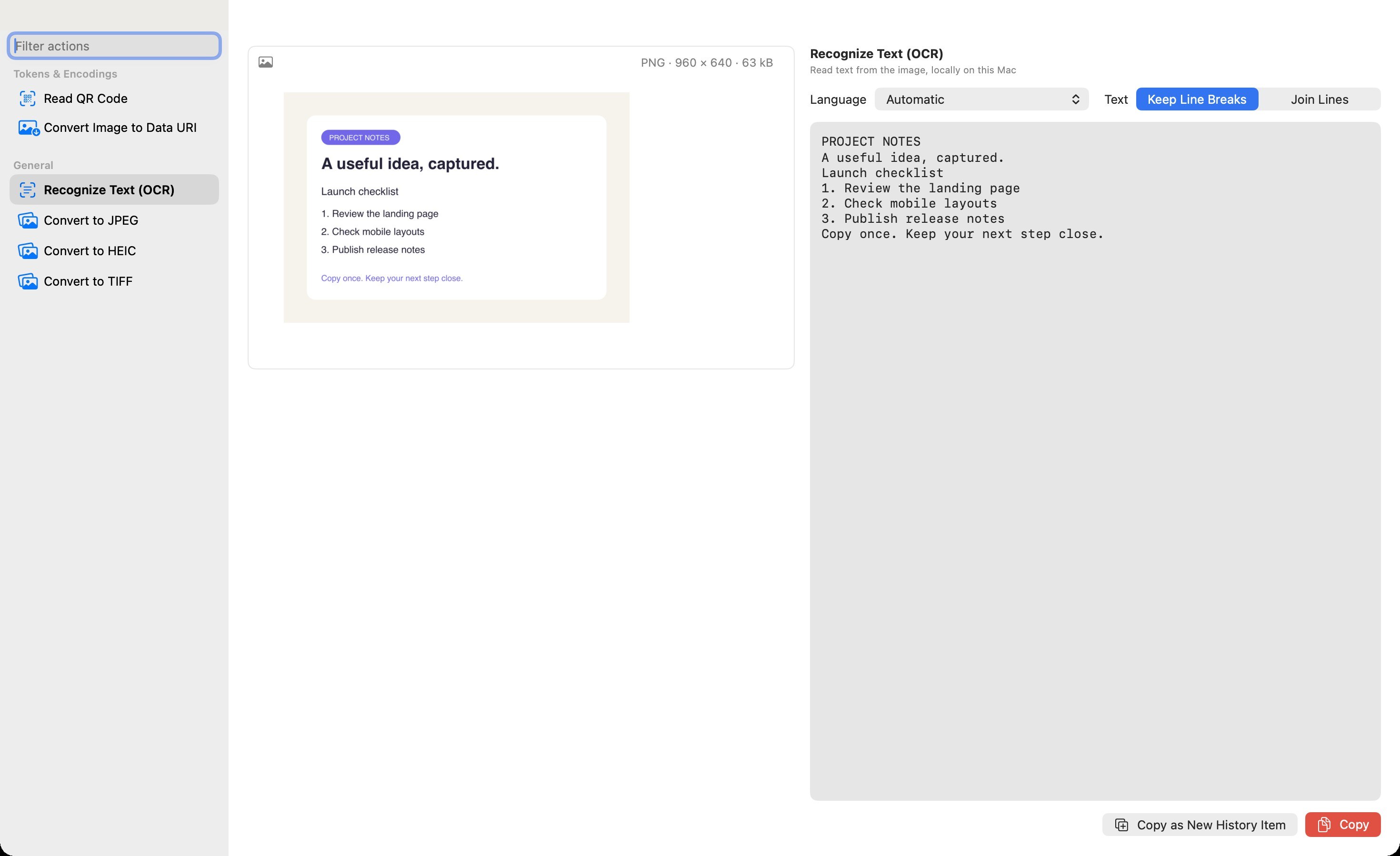
From an image to reusable text.
Dev recognizes text locally on your Mac. Review the result, then save it as a new history item.
The useful details are close by.
Pastilo keeps the everyday tools beside your history, so small transformations do not need a separate app or a cloud service.
- Inspect the detailsJSON trees, text statistics, image formats and sizes, color editing and Unix timestamps shown as dates.
- Use data in your codeConvert images to Base64 Data URIs and back, generate Swift Codable from JSON and change number bases.
- Keep work reusableImport and export, secure backups, parameterized snippets, compare and diff, plus QR and hash actions.
- Prepare text your waySort and deduplicate lines, change letter case, edit arrays or expand multiline items in Combine.
Explore Pastilo by feature.
See how each part of the clipboard workflow fits into your day.
- Clipboard HistorySearch what you copied →
- Sequential PasteQueue and paste in order →
- Secure ClipboardProtect sensitive items →
- Developer ToolsTransform copied data locally →
- Notes & ScratchpadsKeep working context close →
- Automatic PasteGet from copy to done →
- ThemesExplore light and dark appearances →
- iPhone & iPadComing soon →
Compare it or just learn how it works.
Honest comparisons with the built-in history and the other Mac clipboard managers, plus the guide behind them.
Local history, under your control.
Your local history works without a Pastilo account or cloud connection. Secure items can require Touch ID, block accidental deletion and expire automatically. OCR and developer transformations run on your Mac. If you enable iCloud sync, you choose what gets synced.
- Local history
- No account
- No cloud dependency
- Touch ID protection
- Deletion lock
- Expiring secure items
Native where it matters.
macOS 14+ Swift and SwiftUI Built for the menu bar
Make every copied item easier to reuse.
Choose the Pastilo edition that matches your workflow from a focused clipboard history to local developer actions.
A few useful answers.
Does Pastilo require an account?
No. Your local clipboard history works without a Pastilo account. Optional iCloud transfers use your Apple account.
Does my clipboard leave my Mac?
Pastilo keeps a local history. Entries you choose to send through optional iCloud are stored in your own iCloud account. Optional link thumbnails contact the linked website. See the Privacy Policy for details.
How do I open Pastilo?
Press ⌘ Shift V from anywhere or open Pastilo from the menu bar. Every edition offers direct paste with ⌥ 1–9.
What is Sequential Paste?
Collect multiple clipboard items and paste them one after another in the order you choose. The Notch previews your queue.
Which macOS versions are supported?
Pastilo supports macOS 14 and later.
Is there an app for iPhone and iPad?
Pastilo for iPhone and iPad is coming soon. It works on its own as a local clipboard history, and optional iCloud sync connects it with your Mac. It is also ready for the new iPhone Duo. See the iPhone and iPad page.
Can the two history columns use different filters?
Yes. Each column has its own layout and type or tag filters. Search, sorting and date grouping are shared. The second column does not show Secure items.
How does autotagging work?
Choose one tag and new local copies receive it automatically until you turn it off or quit Pastilo. Imports from archives and iCloud do not receive the autotag.
Does OCR upload my image?
No. OCR recognizes text locally on your Mac and is included in Dev. You can review and copy the result.
Can I customize Pastilo?
Plus adds custom themes and personalization. Dev includes the Plus features.
Which edition includes developer actions?
Dev includes OCR, image conversion, live HTML preview, JSON to Swift Codable and local actions for code, URLs, tokens, colors, hashes, snippets and change comparison. Compare editions on the Buy page.