
Download Pastilo for your Mac.
A native Mac app, signed and notarized by Apple, that keeps your clipboard history on the machine it was copied on. The download includes every edition - Free works immediately, while a key unlocks Plus or Dev.
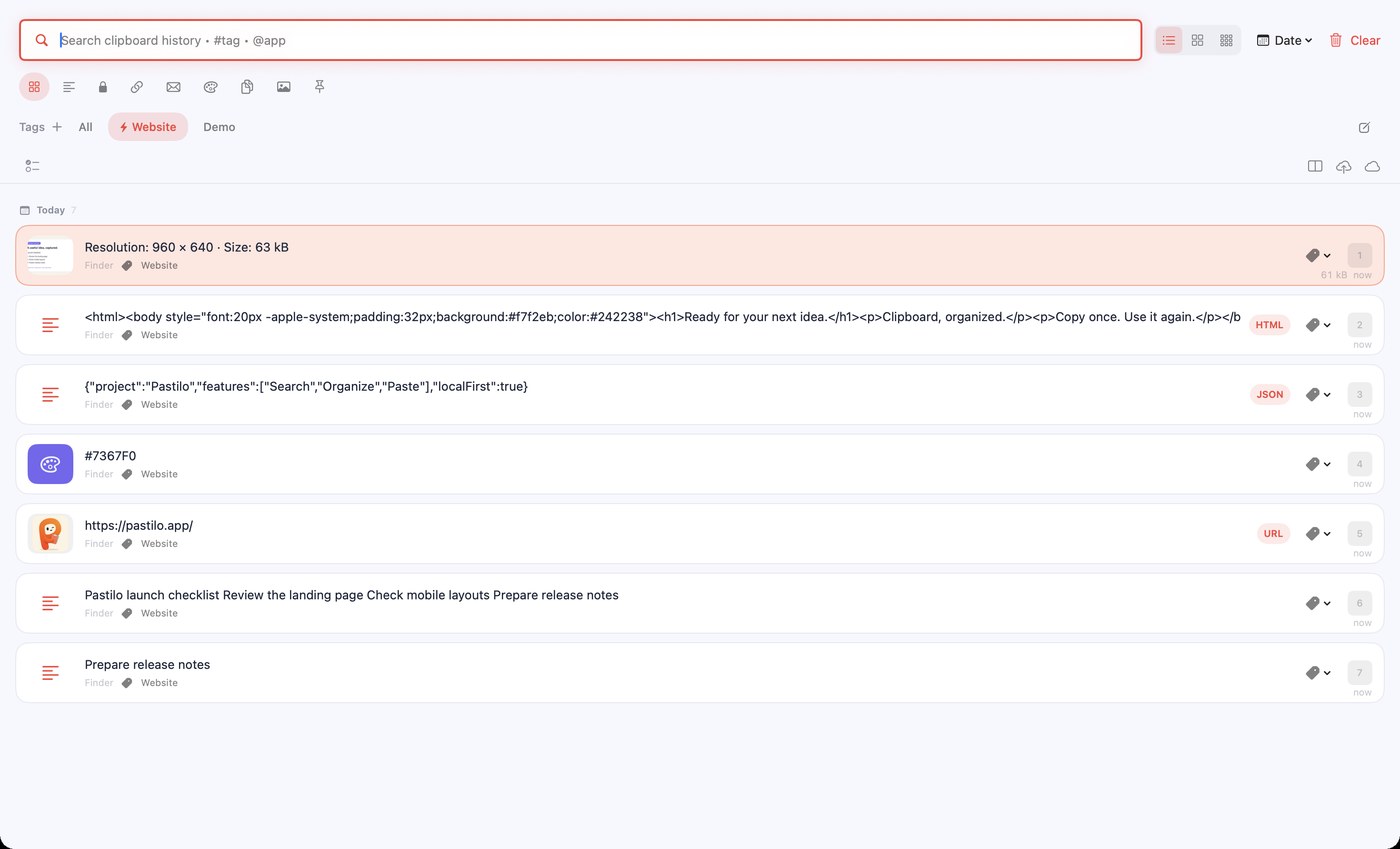
What you need.
This download is Pastilo for Mac. There is no installer to configure and no account to create. Pastilo for iPhone and iPad is coming soon to the App Store.
Download Pastilo- macOS 14 or laterBuilt with Swift and SwiftUI for Sonoma and newer, on Apple silicon and Intel.
- Local history by defaultThe history and its payload files live in Application Support on your Mac and grow with what you keep.
- No accountNothing to sign up for. The Free edition works the moment you launch it.
- Accessibility permissionmacOS asks for it the first time you use automatic paste. Pastilo needs it to paste into the app you are working in.
After the download.
Open the disk image and drag Pastilo to your Applications folder. The app is signed with a Developer ID and notarized by Apple, so Gatekeeper will let it open without a right-click workaround.
Every release publishes a SHA-256 checksum next to the file on the releases page, so you can verify the disk image before you open it if you want to.
Pastilo checks once a day at most whether a newer version exists. That request sends no clipboard content and no analytics.
Before you install.
Worth two minutes if you are still deciding.
Download questions
Is Pastilo free?
The Free edition is free and does not expire. It includes clipboard history with search and preview, automatic paste, tags, content types and up to 100 items.
Which macOS versions are supported?
macOS 14 and later.
Is the app notarized?
Yes. Pastilo is signed with a Developer ID and notarized by Apple, so it opens without a Gatekeeper warning.
Is Pastilo on the Mac App Store?
Not currently. The Mac app is distributed directly from this site, which is why it can offer a one-time purchase rather than a subscription.
Does Pastilo send my clipboard anywhere?
Pastilo keeps history locally by default, without a Pastilo account. If you enable iCloud sync, you choose what gets synced. Optional link thumbnails contact the linked websites. See the Privacy Policy for details.
Ready when you are.
Download the disk image and drag it to Applications.