
macOS has a clipboard history now. Here is where it stops.
Since macOS 26, Spotlight remembers what you copied. For a lot of people that is genuinely enough, and we would rather say so than pretend otherwise. This is an honest account of what the built-in history does and which gaps a dedicated clipboard manager still fills.
Built-in behavior checked against macOS 26.1 in September 2026.
What macOS gives you for free.
Open Spotlight with ⌘ Space and press ⌘ 4 to see recent clipboard items. macOS 26.1 lets you keep them for 30 minutes, 8 hours or 7 days, and adds a button in System Settings to clear the history on demand.
It is quick, it is already on your Mac and it costs nothing. If what you need is to get back the thing you copied ten minutes ago, that is the right tool and you can stop reading here.
Where the built-in history stops.
The gaps are consistent: the built-in history is designed for short-term recall, not for keeping material you reuse.
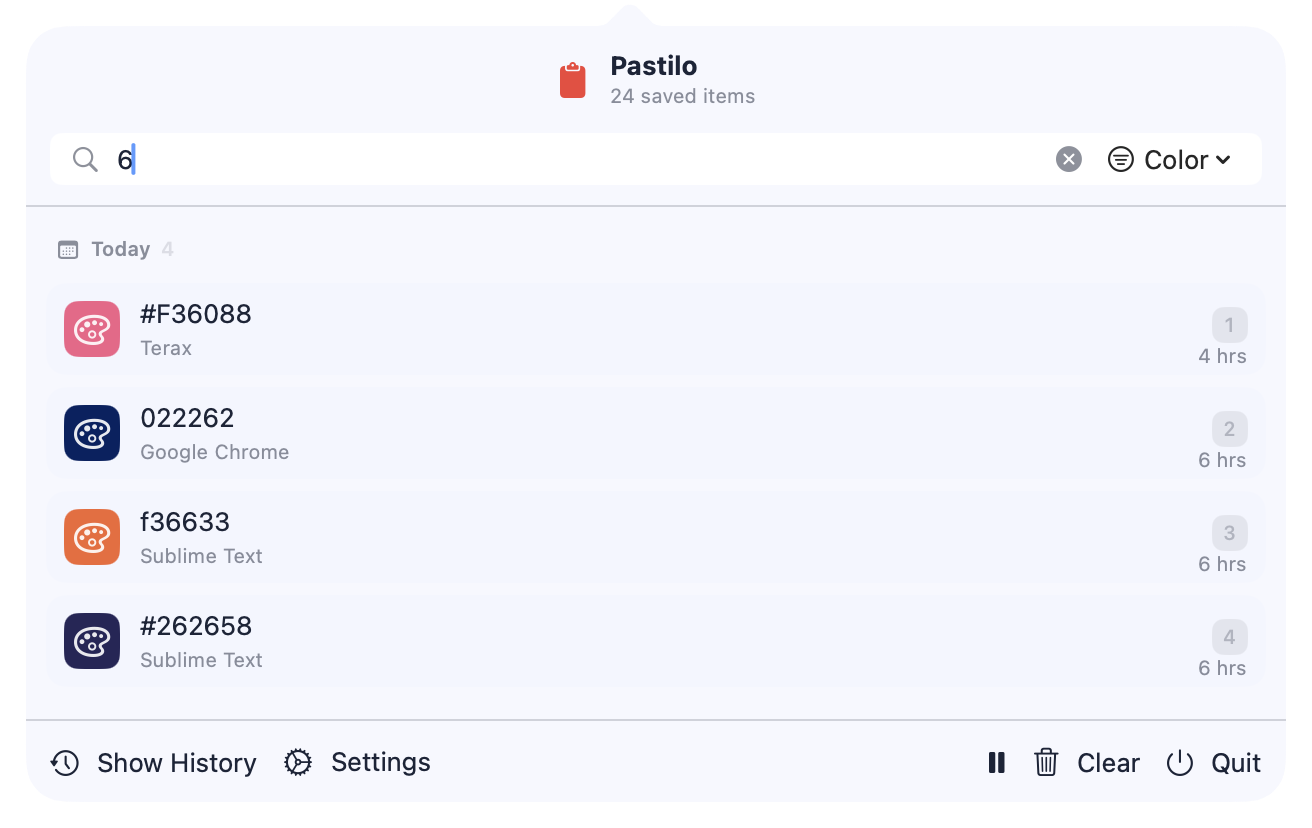
See what Pastilo adds- History that expiresSeven days is the longest retention the system offers. Pastilo keeps an item until you remove it.
- No pinning or taggingThere is no way to keep a snippet permanently at hand or group related items. Pastilo has pins, tags and content filters.
- Very long items are droppedLarge clipboard items are not kept in the Spotlight history. Pastilo stores long text and files as payloads on disk.
- One item at a timeThere is no queue. Pastilo's Sequential Paste lines several items up and pastes them in order, previewed in the Notch.
- No local transformsFormatting JSON, converting YAML or stripping invisible characters still means another app. Pastilo does those on device.
Keep comparing.
The rest of the comparison set and the guide behind it.
macOS clipboard history questions
Which macOS version added clipboard history?
Clipboard history arrived in Spotlight with macOS 26, and macOS 26.1 added the retention options and a button to clear it.
How do I open the built-in clipboard history?
Press ⌘ Space to open Spotlight, then press ⌘ 4.
Do I still need a clipboard manager?
If you only need recent items for a short window, the built-in history is enough. A manager earns its place when you want items that never expire, pins and tags, queued pasting or local developer transforms.
Does Pastilo replace the built-in history?
No. They run side by side. Pastilo opens with its own shortcut and keeps its own history, so you can try both and keep whichever you reach for.
Keep the items you actually reuse.
Pastilo starts free, with searchable history and automatic paste.