
How to see clipboard history on your Mac.
macOS copies over the last thing you copied, and for years that was the end of the story. There are now three ways to get it back, and they are not equally useful. Here they are in order, from the one that needs nothing installed to the one that keeps everything.
Checked against macOS 26.1 in September 2026.
1. The Finder clipboard window (shows one item).
Open Finder, then choose Edit › Show Clipboard. A small window appears with the contents of the clipboard.
This is not a history. It shows only the most recent item and is emptied when you restart. It is useful for checking what is on the clipboard right now, and for nothing else.
2. Spotlight clipboard history (macOS 26 and later).
Press ⌘ Space to open Spotlight, then ⌘ 4. Recent clipboard items appear in a list you can search.
In System Settings › Spotlight you can choose how long items are kept - 30 minutes, 8 hours or 7 days - and clear the history on demand. Very large items are not stored, and there is no way to pin something so it stays.
For short-term recall this covers most of what people want, and if you are on macOS 26 it is worth trying before installing anything.
3. A clipboard manager (keeps everything).
A dedicated app is the answer when the thing you copied last Tuesday still matters or when the clipboard holds more than text.
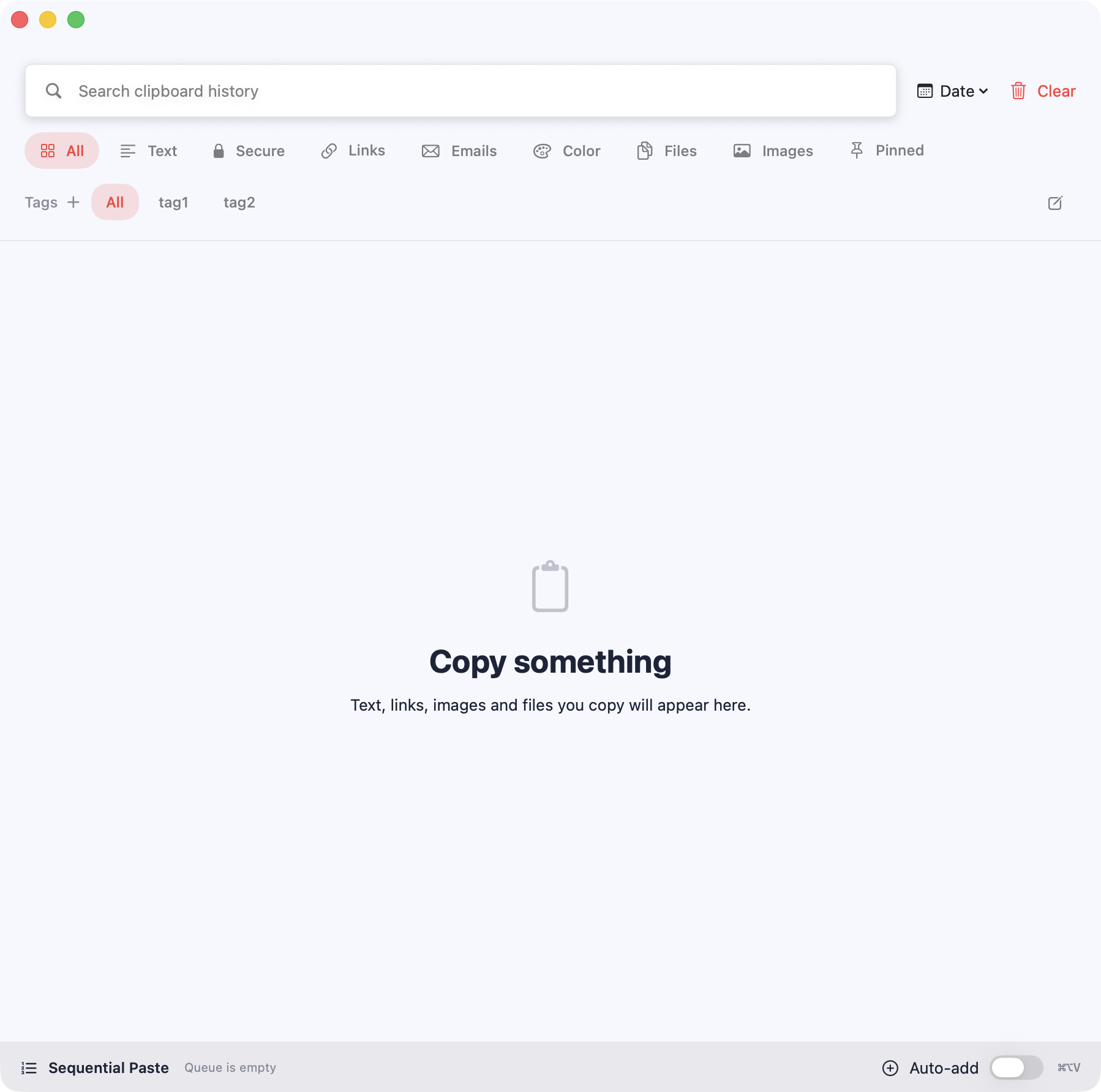
See how Pastilo does it- Nothing expiresItems stay until you remove them, rather than aging out after a week.
- Pins, tags and filtersKeep recurring snippets at the top and group related items.
- Previews for each typeImages, files, colors and a JSON tree view instead of a list of strings.
- Queued pastingLine several items up and paste them in order rather than reopening the list each time.
- Protection for sensitive itemsTouch ID, a deletion lock and an expiry timer for things that should not linger.
Which one should you use?
The honest answer depends on how far back you need to go. These comparisons walk through it.
Clipboard history questions
Does macOS keep clipboard history by default?
Only from macOS 26, through Spotlight and only for a limited period. Before that, macOS keeps just the most recent item.
How do I see more than the last copied item?
On macOS 26 press ⌘ Space then ⌘ 4. On older versions you need a clipboard manager because the system does not keep a history at all.
Where is the clipboard stored on a Mac?
The system pasteboard lives in memory and is cleared on restart. A clipboard manager keeps its own copy on disk so items survive a reboot.
Can I see clipboard history after restarting?
Not with the Finder clipboard window, which is emptied. The Spotlight history and a clipboard manager both survive a restart, within their own retention rules.
Stop losing what you copied.
Pastilo keeps a searchable history on your Mac, starting with the Free edition.