
Sequential Paste without losing your place.
Collect several clipboard items, arrange the order and paste them one after another. Pastilo previews the queue in the macOS Notch before you commit.
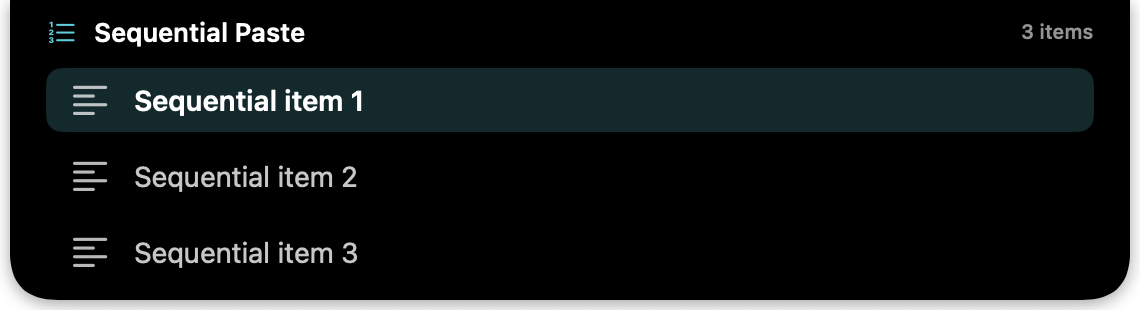
One queue for multi-step work.
Sequential Paste is useful whenever one copied item is not enough. Build a sequence from your history, check the order, then move through the target app with a predictable rhythm.
See Plus edition- Queue from clipboard historyChoose items you already copied instead of copying them again.
- Preview in the NotchKeep the next items visible while you work in the active app.
- Paste in the order you chooseUse the numbered queue to move through a form, brief or coding task.
- Stay focusedKeep the sequence close without opening a larger workspace.
Build the sequence once.
Paste it with confidence.
Sequential Paste questions
Can I reorder the queue?
Yes. Sequential Paste is built around choosing and arranging the items before you begin.
What is the Notch preview?
Pastilo shows the queued items in a compact preview near the top of your Mac so you can check what comes next.
Which edition includes Sequential Paste?
Sequential Paste is included in the Plus and Dev editions.
Make multi-item pasting predictable.
Compare editions and choose the workflow that fits.