
Pastilo for Mac
Every edition can send and receive entries through iCloud.
- Free: send entries to iCloud by hand and receive entries from your other devices.
- Plus and Dev: automatic sending and automatic import into local history.
A clipboard history for the devices you carry. Save text, links, images and rich text, find them again in seconds and move them between Mac, iPhone and iPad with optional iCloud sync.
Coming soon to the App Store
iOS 17 and iPadOS 17 or later No Pastilo account required Ready for iPhone Duo
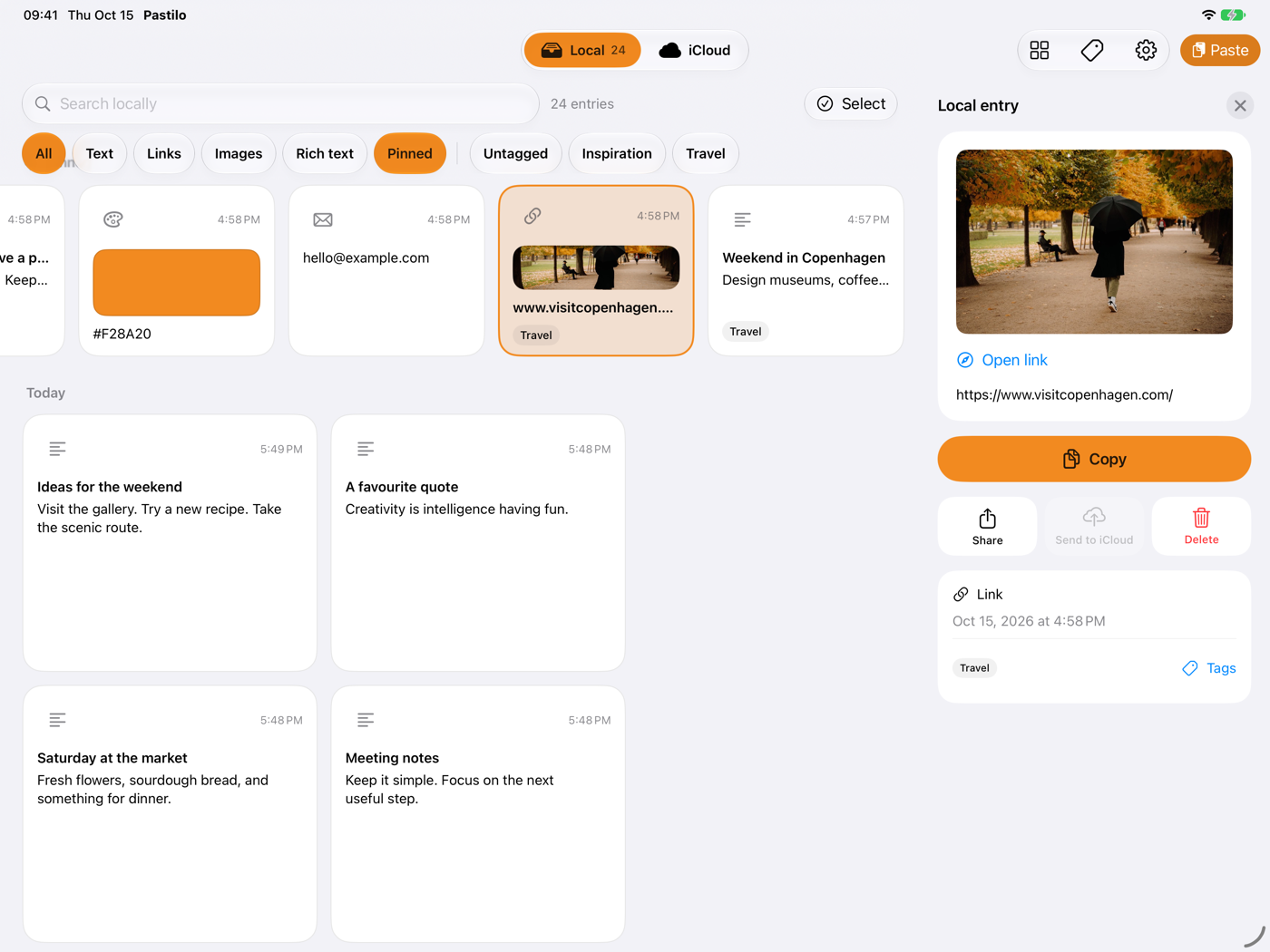
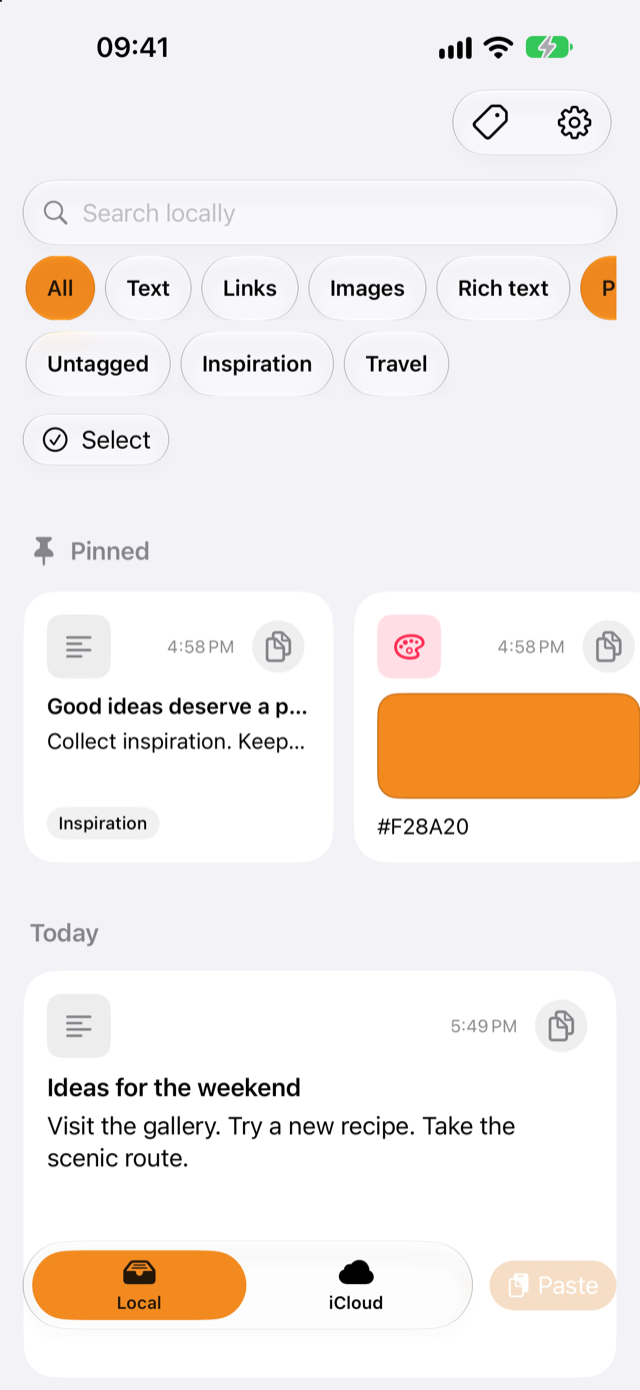
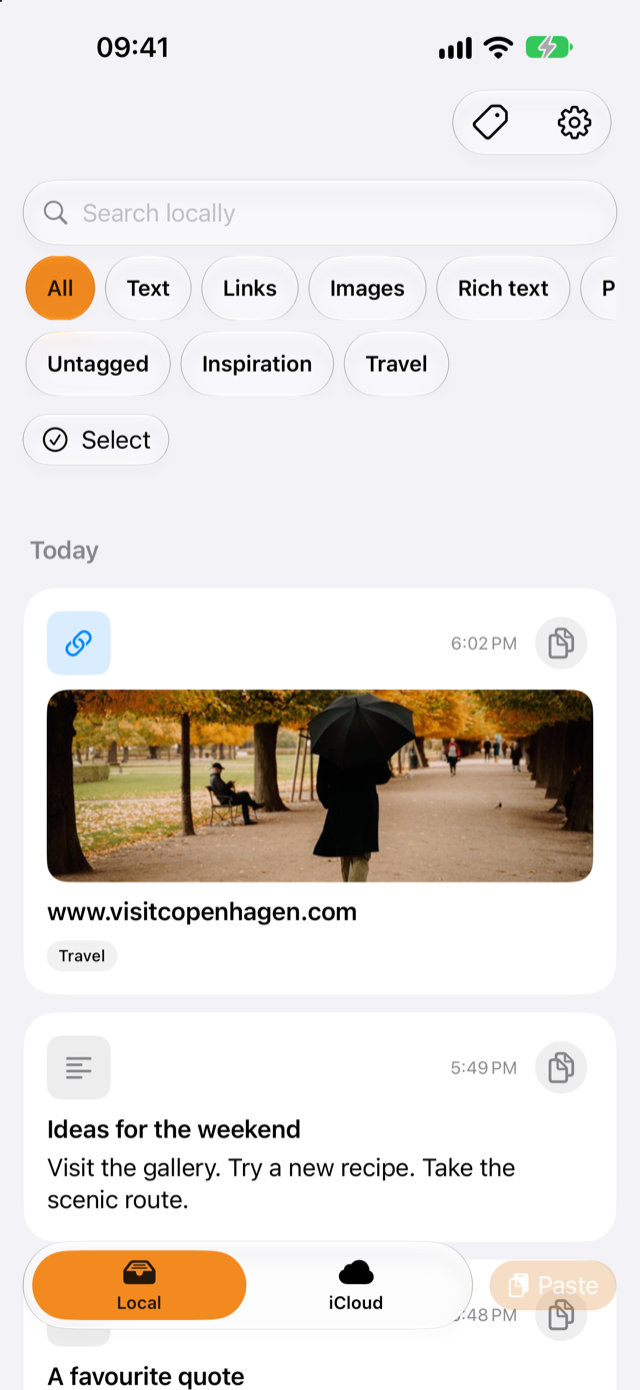
Pastilo keeps only what you hand it. iOS does not let apps read the clipboard in the background, so you save entries from the Share sheet or with the Paste button.
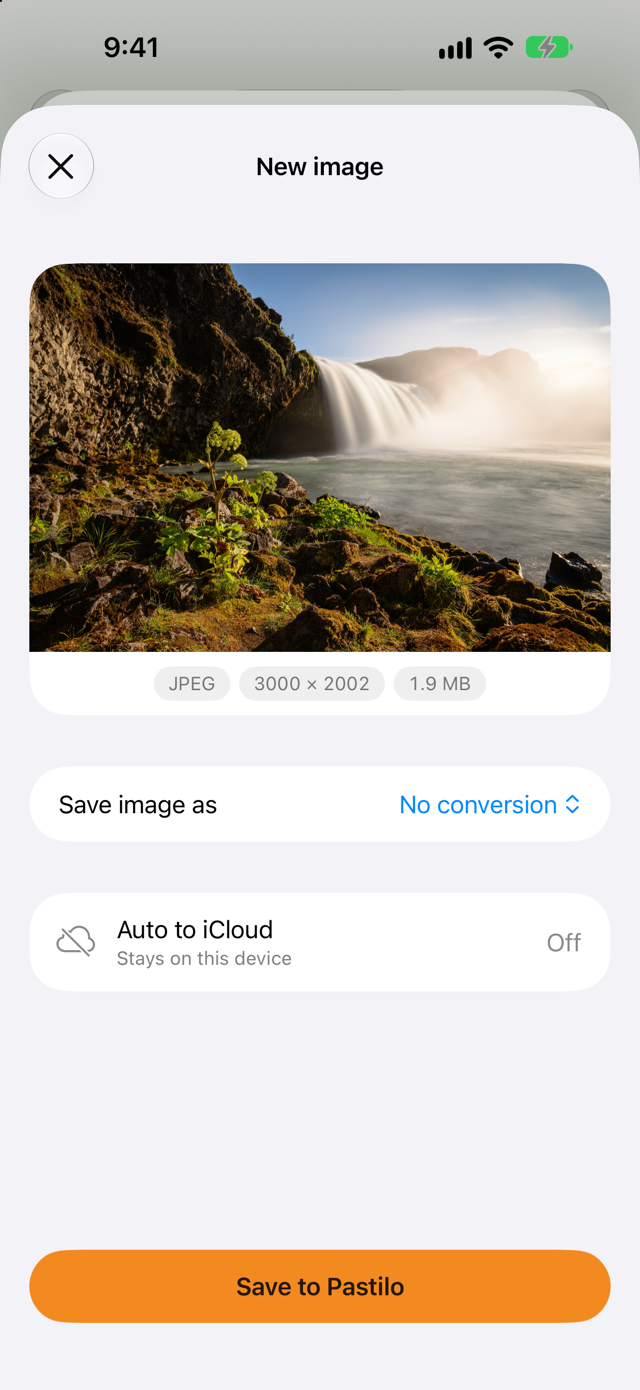

Tap Share in Safari, Photos or any other app and choose Pastilo. A short sheet shows what you are about to save, and Save to Pastilo adds it to your history.
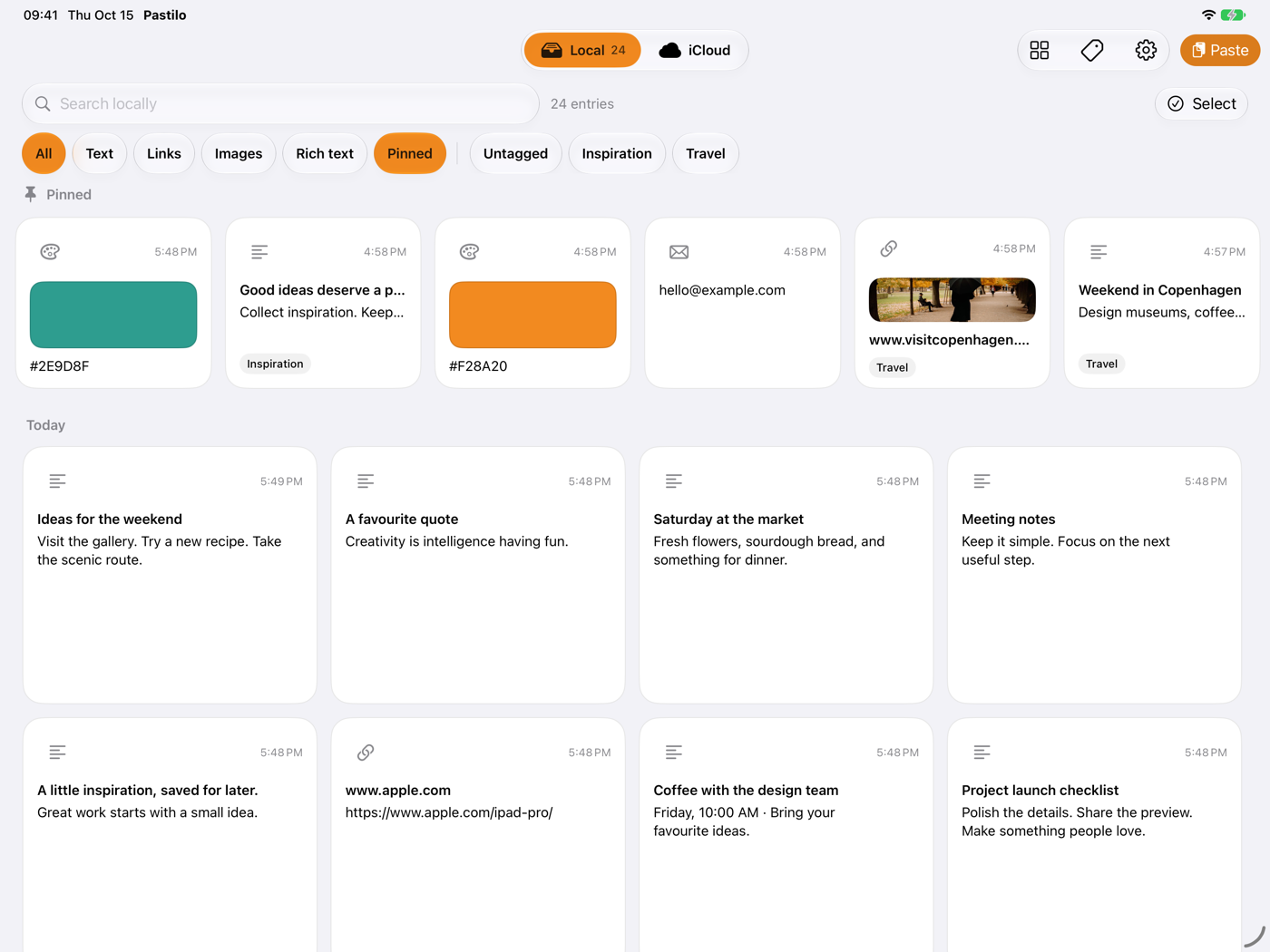
The iPad app lays your history out as tiles and keeps the details beside them, so you can browse, check and reuse entries without losing your place.
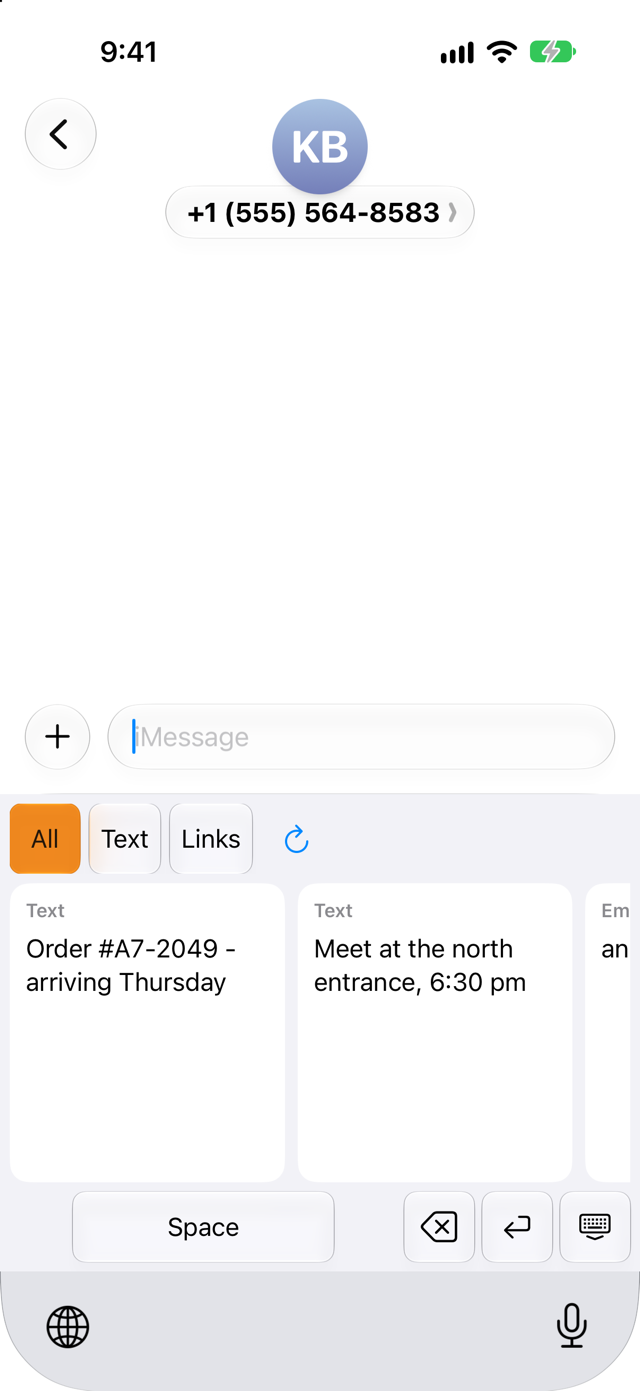
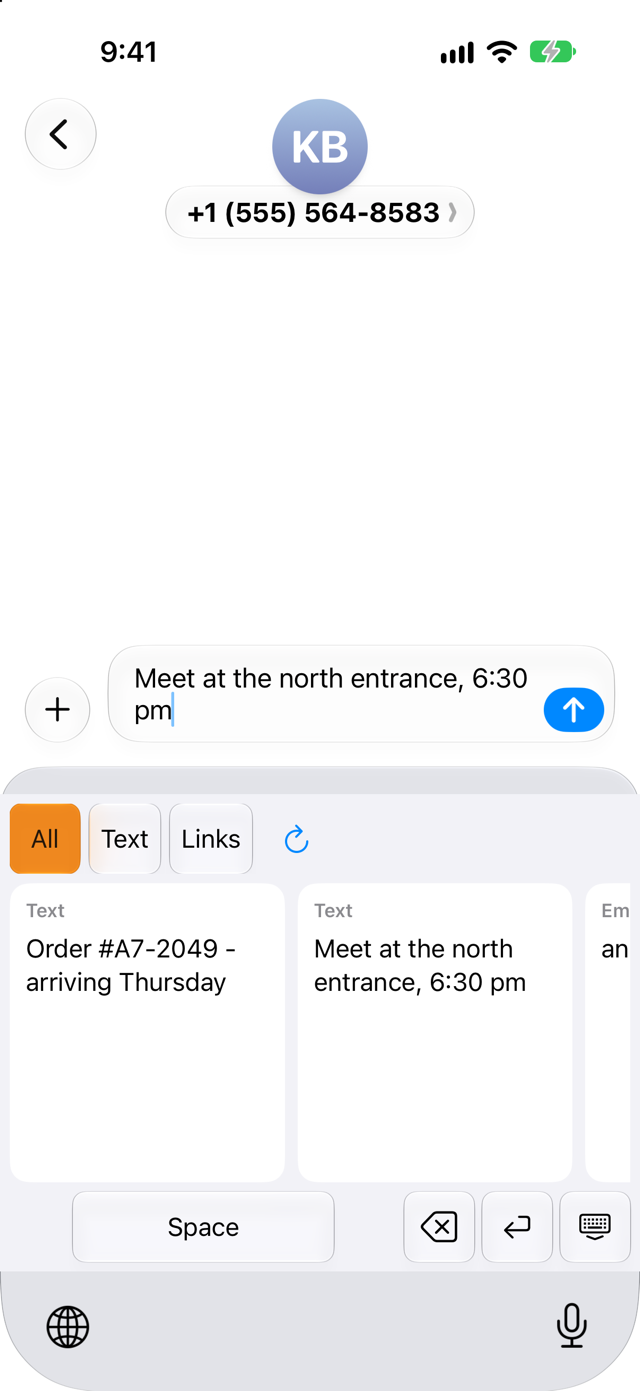
The Pastilo keyboard brings your saved text into any text field. Switch to it with the globe key, tap a card and keep typing.

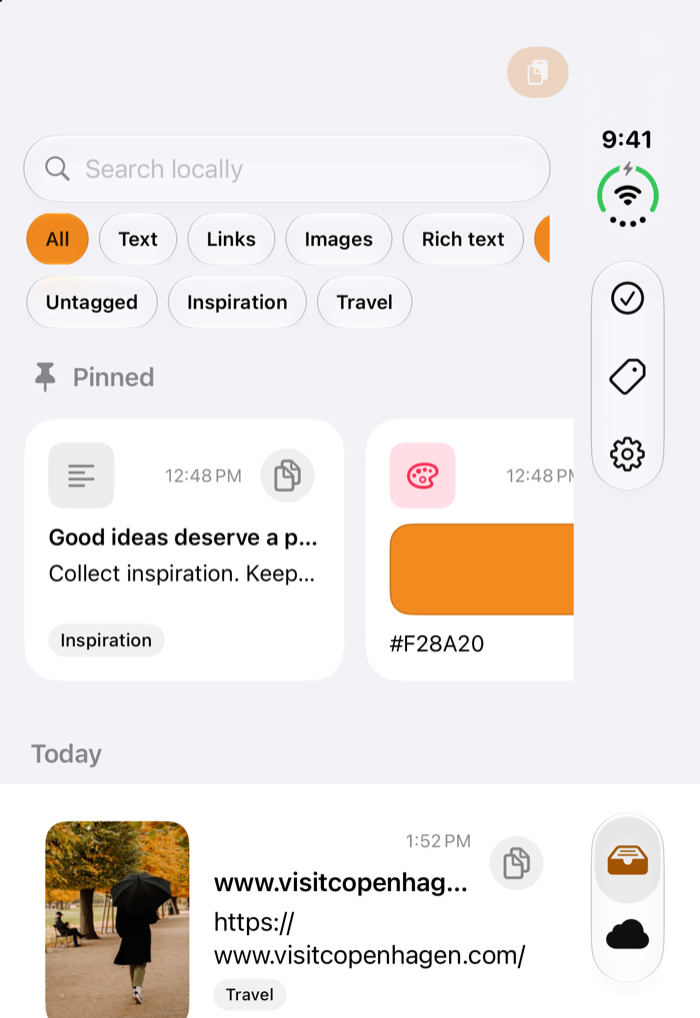
Pastilo for iPhone will also come in a version made for iPhone Duo. Folded, it’s the iPhone app you already know. Unfolded, your history and the entry you picked sit side by side.
Send an entry from your Mac and paste it on your iPhone or save a link on iPad and find it on your Mac. Text, links, images and rich text travel through the private database of your own iCloud account. There is no Pastilo account, and we never see your entries.
The Mac editions and Cloud Sync on iPhone and iPad are separate, optional purchases.
Every edition can send and receive entries through iCloud.
Coming soon to the App Store.
A Mac edition does not unlock Cloud Sync on iPhone and iPad, and Cloud Sync does not unlock a Mac edition.
Soon. When the apps are released, the App Store link will appear on this page.
No. On iPhone and iPad, Pastilo works on its own as a local clipboard history. iCloud sync connects it with Pastilo for Mac if you use both.
No. iOS does not let apps read the clipboard in the background. Save entries from the Share sheet or with the Paste button.
Tap Share in that app and choose Pastilo. Check the preview, pick an image format if you want and tap Save to Pastilo.
No. It inserts text from your local history without network access and does not collect what you type.
No Pastilo account is needed. Entries travel through the private database of your own iCloud account.
No. The Mac editions and Cloud Sync on iPhone and iPad are separate purchases.
Yes. Closed, Pastilo works as on any iPhone. On the open inner display, the list and the selected entry sit side by side, and held upright the history shows two columns of cards.
Pastilo for iPhone and iPad requires iOS 17 or iPadOS 17 or later. Pastilo for Mac supports macOS 14 and later.
You can use Pastilo for Mac today. iPhone and iPad are coming soon.